QR Code Management

Dynamic QR Codes With Analytics

Start with a free QR code generator, then upgrade to dynamic QR codes when you need edit-after-print flexibility, branded designs, and scan analytics that show what your offline campaigns are really doing.

Use the free generator for a static code today. Create an account when you want editable destinations, branded defaults, and campaign tracking.

Edit after printing Real-time scan analytics Location + device insights Download PNG + SVG Logos + brand colors API ready

Start Free, Then Make It Dynamic

The fastest path is simple: generate a QR code for free, print or share it, then switch to managed QR codes when the campaign matters enough to track and update.

1. Generate

Create a free static QR code in seconds for your menu, flyer, business card, package insert, or poster. Keep in mind static QR codes destinations cannot be changed, so if the link changes later, you’ll need to reprint the QR code.

2. Activate

Upgrade to dynamic QR codes when you need to change the destination later without reprinting what is already in the wild.

3. Optimize

Review scan volume, locations, devices, and trends so your next campaign is based on scan data instead of guesswork.

Why Teams Switch To Dynamic QR Codes

Dynamic QR codes help you update, track, and optimize without reprinting.

Edit Anytime

Made a typo? Need to update a link? With dynamic QR codes, change where your code points without reprinting. Update URLs, swap content, or redirect to seasonal campaigns so your printed materials stay relevant.

Track Every Scan

See exactly how your QR codes perform with real-time analytics, including:

  • Total scans
  • Unique vs. repeat visitors
  • Locations (country/city)
  • Devices (iOS, Android)
  • Scans over time

Multiple Formats

Get your QR codes in PNG for digital use or SVG for print. Vector formats scale to any size without losing quality, perfect for business cards, billboards, or anything in between.

Branded Design

Make your QR codes instantly recognizable. Upload your logo, choose custom colors, and select from multiple dot styles to create codes that match your brand identity.

Need to automate QR creation at scale? Use the API to build workflows or connect your team tools.

Free Static QR Codes

Perfect when you need a QR code fast and the destination is unlikely to change.

  • Generate and download instantly
  • Great for one-off links and simple sharing
  • Best when you do not need analytics or later edits

Managed Dynamic QR Codes

Built for campaigns, packaging, signage, and anything you may need to update or measure later.

  • Change destinations after printing
  • See scan analytics by date, device, country, and city
  • Keep branding consistent across every code your team creates

Branded QR Codes

Turn every QR code into a recognizable brand asset. Upload your logo, choose custom colors, and select from multiple dot styles to match your brand identity. Branded QR codes can get up to 30% more scans than plain black and white ones.

  • Upload your logo and keep designs consistent
  • Use custom colors with strong contrast for easy scanning
  • Set a default branded style for consistency
  • Make every code feel like part of your brand

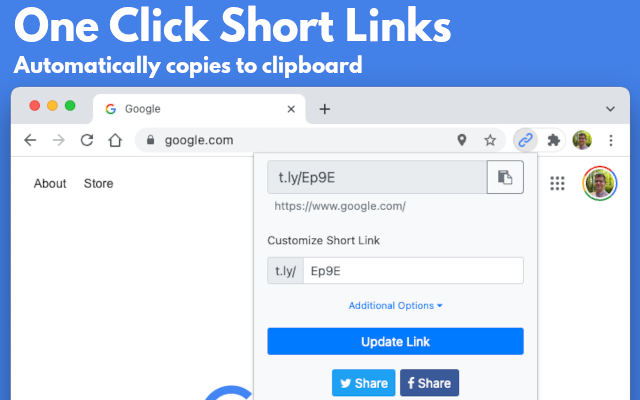
Want browser-based QR generation? See the QR Code Extension.

Campaign use cases

QR Use Cases In QR Code Management

Use-case pages for teams turning print, packaging, signage, and in-person moments into trackable T.LY campaigns.

Real T.LY QR workflows for launch-ready campaigns Branded QR placements designed for real customer touchpoints Use-case recommendations tied to the right T.LY tools and products

Frequently Asked Questions

Quick answers to the most common questions about T.LY QR codes.

Are QR codes free?

Yes. You can create a free static QR code in T.LY. Create an account when you want dynamic QR codes, edit-after-print controls, branding defaults, or scan analytics.

Can I use T.LY QR codes for commercial purposes?

Yes. T.LY QR codes can be used on business cards, packaging, menus, mailers, signage, product labels, and other commercial materials.

Can I change a QR code after printing?

Yes, if it is dynamic. Dynamic QR codes point to a managed redirect, so you can update the destination later without reprinting the code itself.

Can I track QR code scans?

Yes. Dynamic QR codes in T.LY can record scan activity so you can review totals, locations, devices, and trends over time.

Do QR codes expire?

The code itself does not have a built-in expiration date. It stays usable as long as the destination behind it remains active and reachable.

What file formats can I download?

T.LY supports PNG, JPEG, WEBP, and SVG downloads. SVG is usually the best choice for professional printing.

Can I add my logo and brand colors?

Yes. T.LY supports branded QR designs, including logo upload, colors, and style customization. Just keep contrast strong and test before printing.

Is there a scan limit?

No. A QR code does not have a built-in scan limit, so people can keep scanning it while the destination remains live.

See How T.LY QR Codes Work Across Every Channel

T.LY QR codes help you launch branded, editable, trackable campaigns for menus, packaging, signage, events, guest experiences, and contact capture without starting over after print.

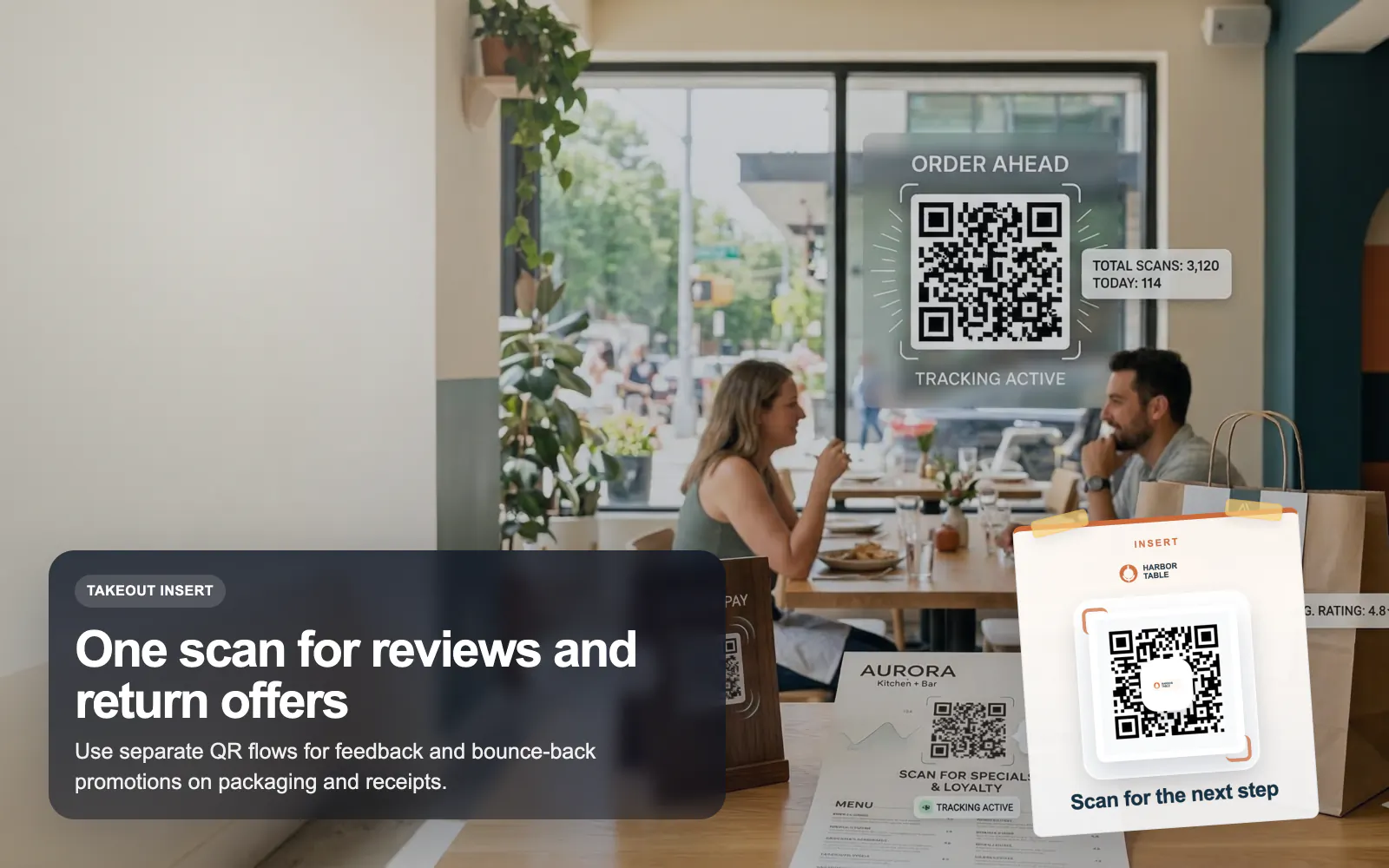
Printed restaurant QR placement shown in a takeout context.
Restaurant use case

QR Codes for Restaurants

Use T.LY QR codes for restaurant menus, guest WiFi, review requests, and bounce-back offers with dynamic updates and scan analytics.

Dynamic menu links Review QR flows WiFi QR for guests
Restaurants Use Case
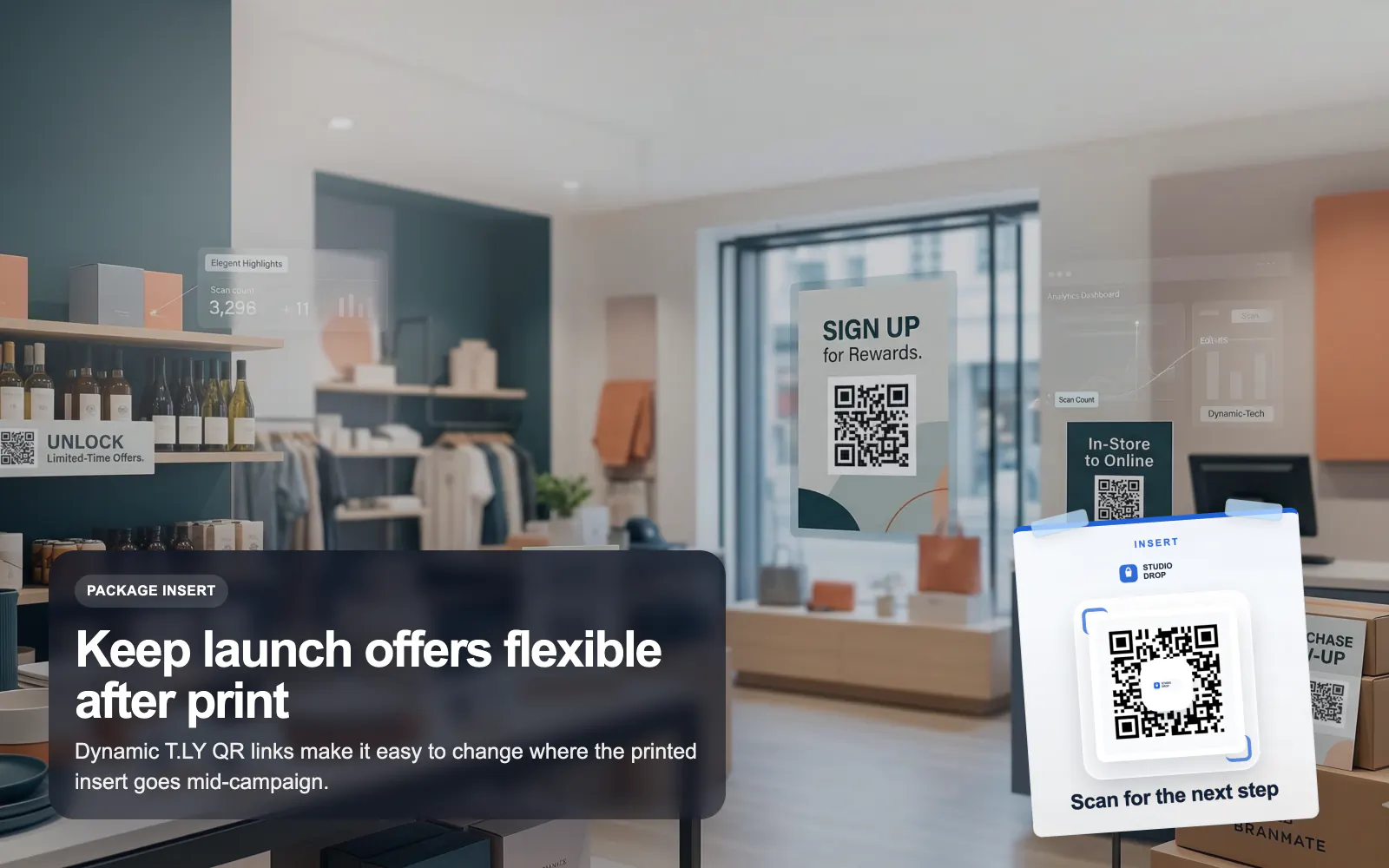
Retail QR placement shown on a product insert in-store.
Retail use case

QR Codes for Retail

Launch retail QR campaigns with T.LY for packaging, shelf tags, reviews, offers, and product education using branded dynamic QR codes.

Packaging QR flows Shelf-tag offers Review collection
Retail Use Case
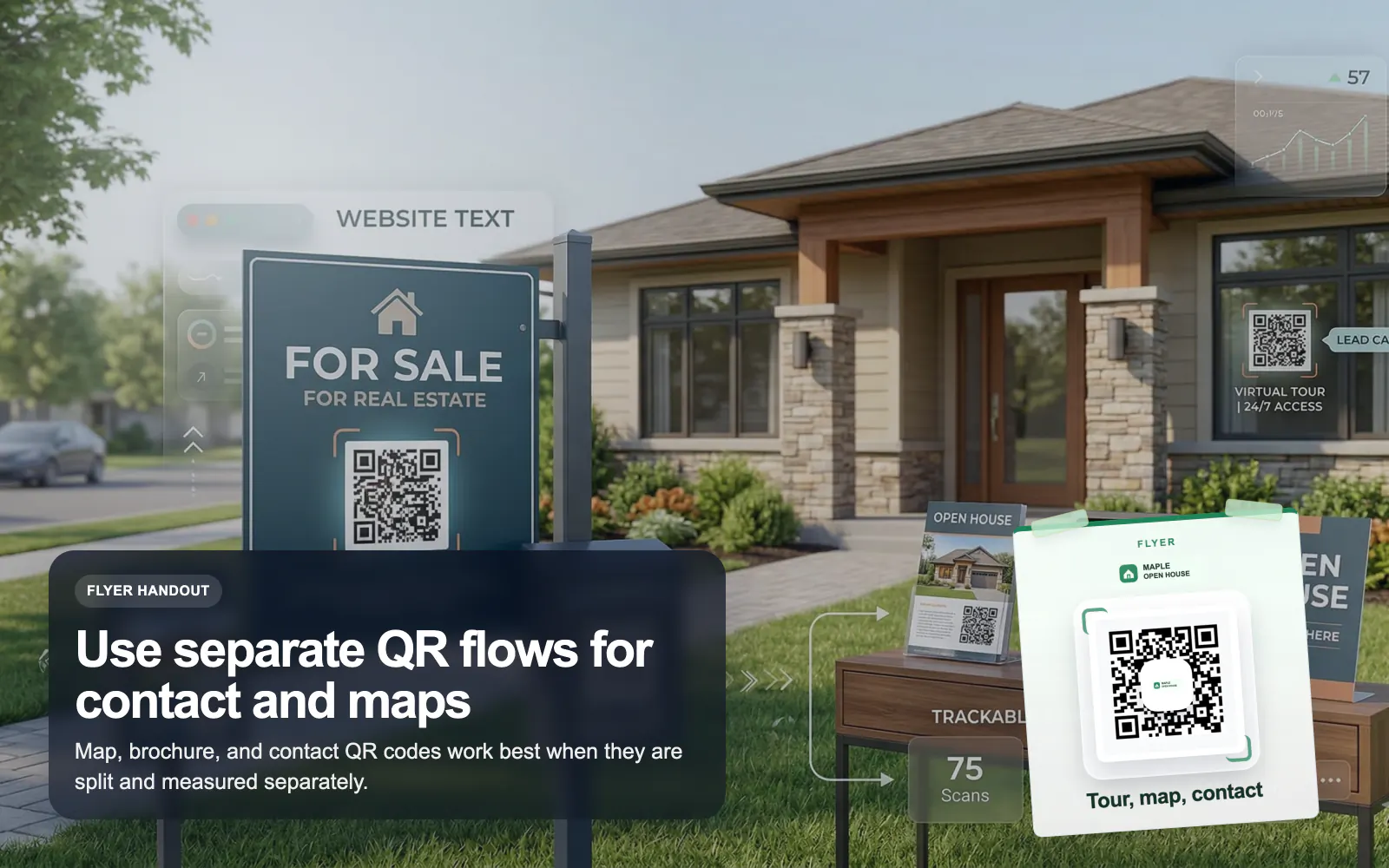
Real estate flyer placement using a T.LY QR code.
Real estate use case

QR Codes for Real Estate

Use T.LY QR codes for real estate flyers, yard signs, virtual tours, property pages, and agent contact flows with branded tracking.

Property flyer QR Virtual tour links Agent contact saves
Real Estate Use Case
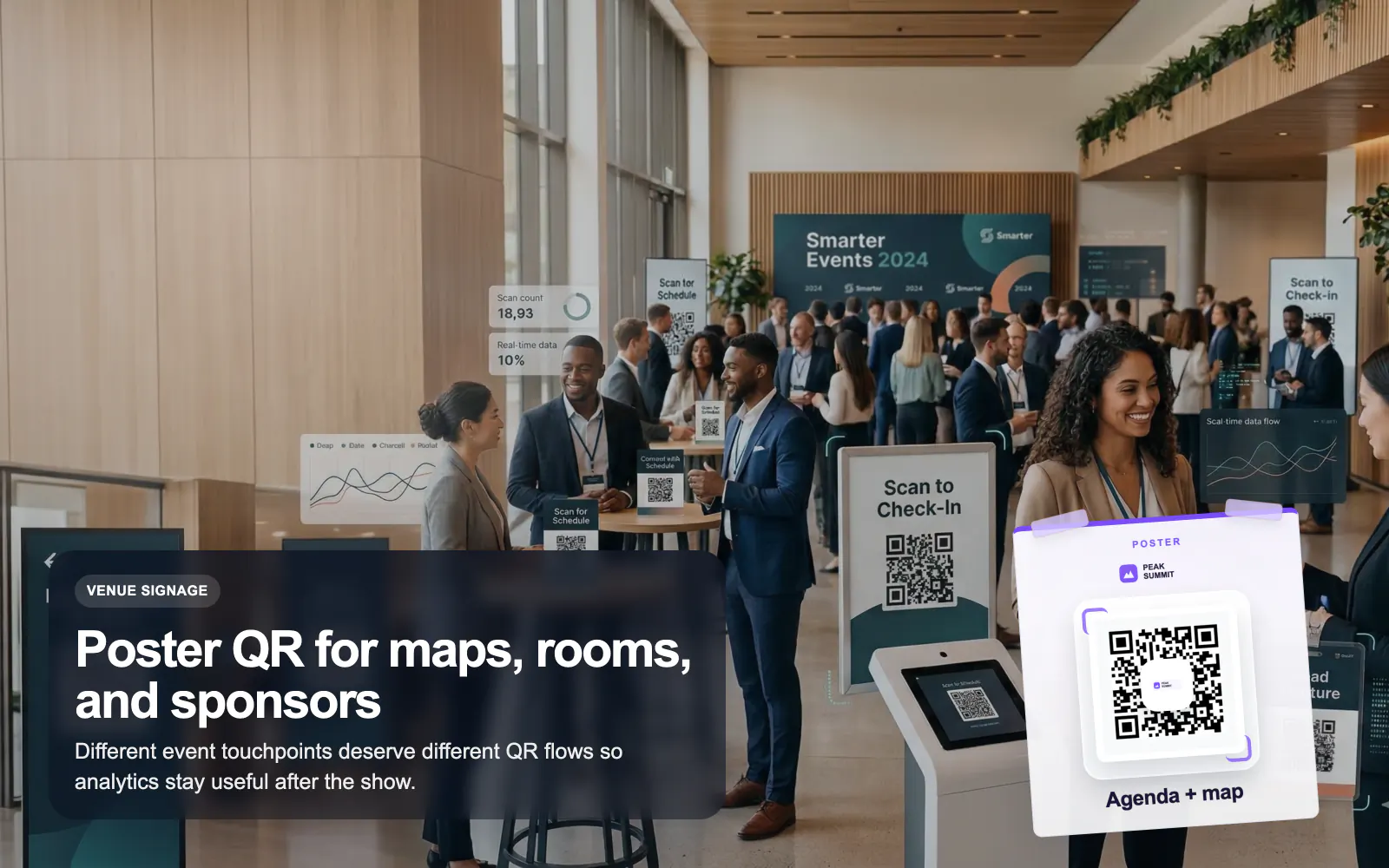
Event poster scene using a T.LY QR code for agenda access.
Events use case

QR Codes for Events

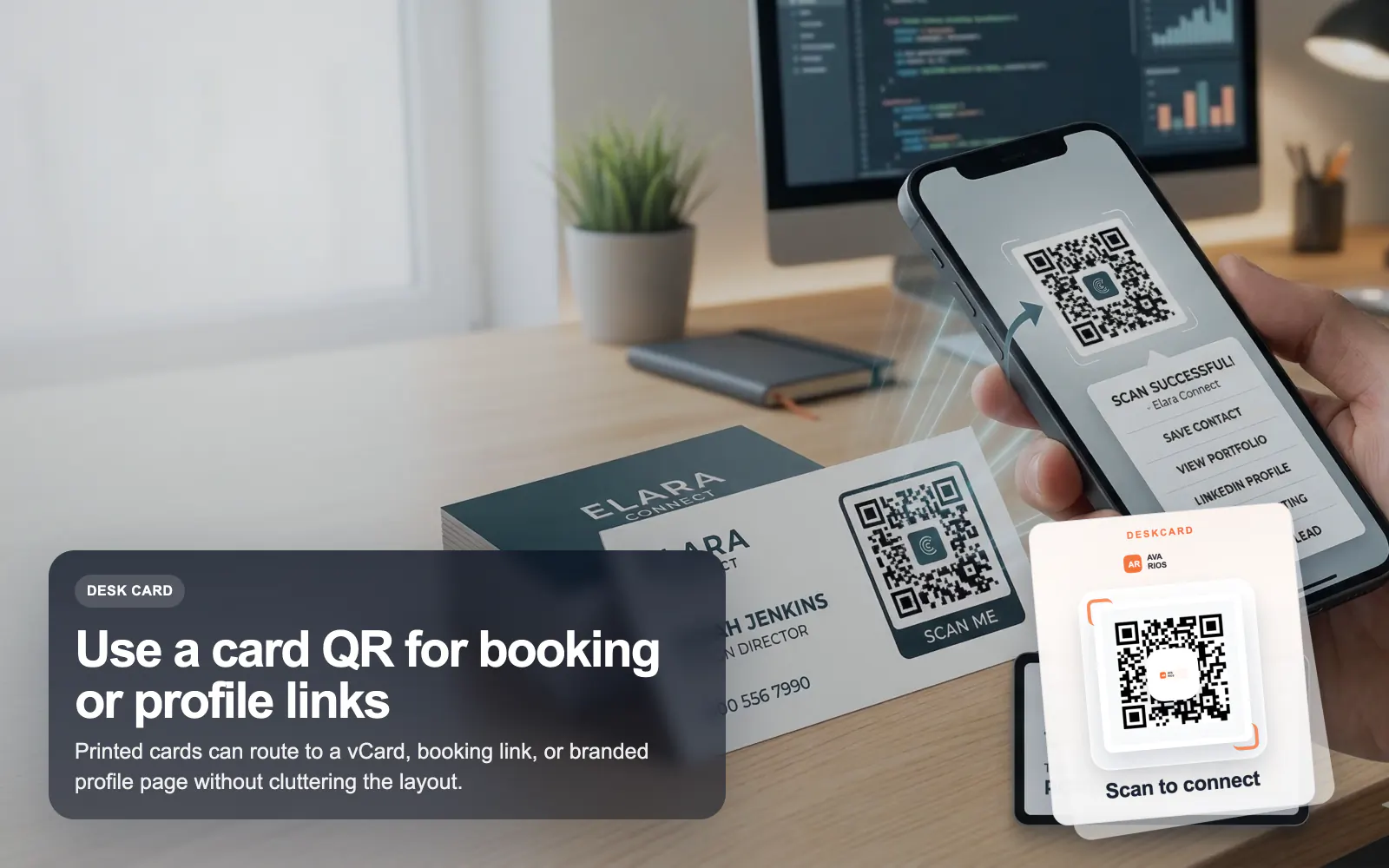
Use T.LY QR codes for events, badges, posters, agendas, lead capture, and sponsor flows with editable links and branded analytics.

Agenda and schedule QR Check-in signage Booth lead capture
Events Use Case
Hotel room guide scene featuring a T.LY QR code.
Hotel use case

QR Codes for Hotels

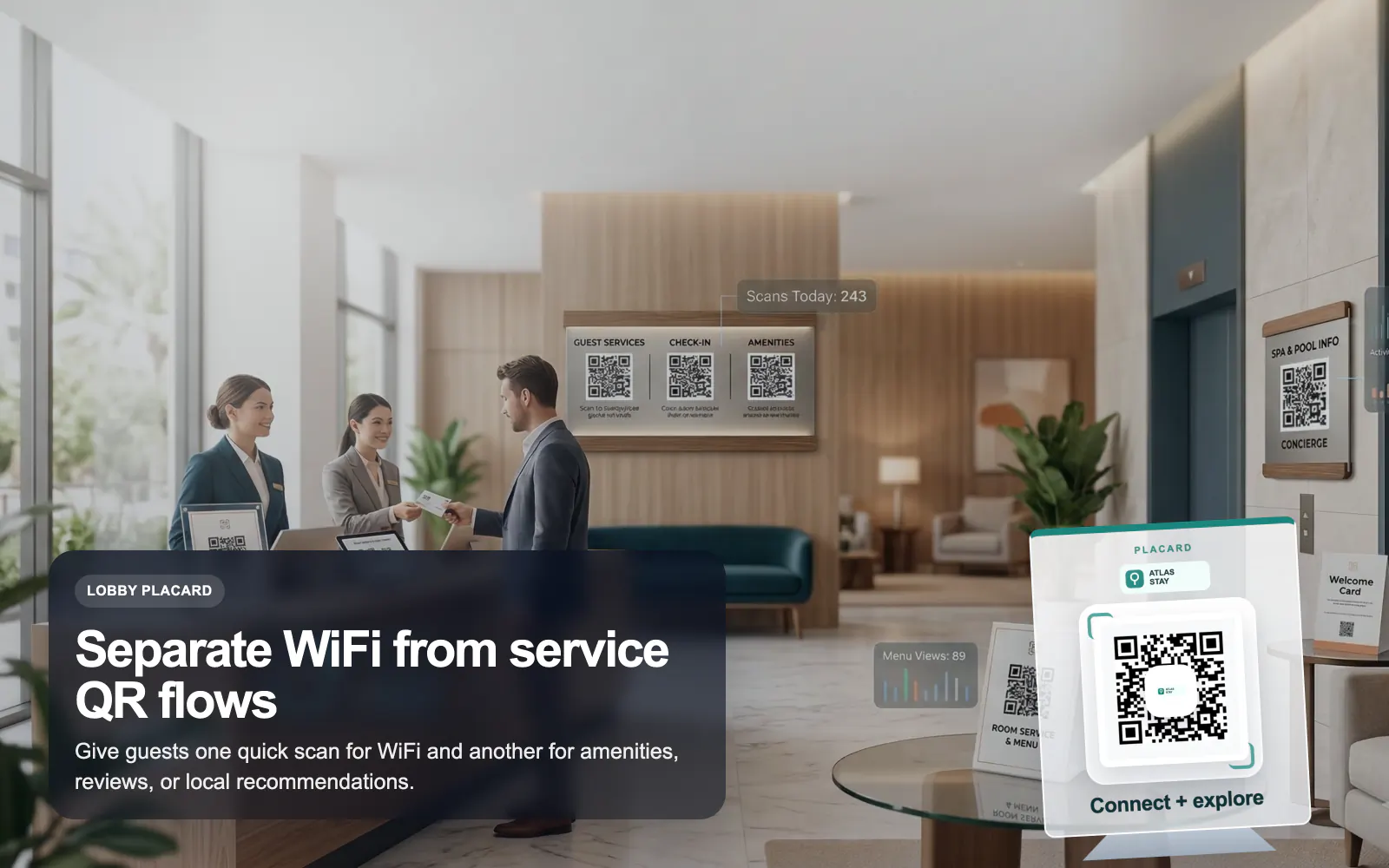
Use T.LY QR codes for hotel guest WiFi, room guides, service menus, local recommendations, and reviews with branded dynamic links.

Guest WiFi access Room service links Local guide pages
Hotels Use Case

Ready to turn QR codes into a measurable channel?

Create free QR codes today, then unlock dynamic QR management when you need scan analytics, edit-after-print control, and branded defaults for your team.