Creator bios
Built For Link In Bio Pages
Feature your latest content, socials, store links, and campaigns on a clean mobile page that is easy to refresh each week.
Creator Use CaseT.LY OneLinks help you publish link in bio pages, digital business cards, event hubs, local business pages, and product launch destinations that stay on-brand, work with QR codes, and show you what people actually tap.
Claim your Link in Bio

Creator bios, digital cards, launches, events, local businesses, and real estate pages all need a different shape. OneLinks can handle that without sending every visitor to the same plain list.
A great link hub should do more than a list of buttons. T.LY turns the page into a flexible destination for creators, launches, sales, events, and local businesses.
Mix profile, social, product, gallery, video, FAQ, countdown, map, booking, QR, and contact blocks on one page instead of stopping at a simple stack of links.
Use custom domains, theme controls, and multiple template families so the page looks like your brand instead of rented real estate on someone else’s platform.
Share the same OneLink in social bios, email signatures, event badges, business cards, packaging, menus, and signage with QR codes.
Review page visits and button engagement so your creator CTA, booking path, featured product, or event link is based on real usage.
OneLinks are not locked into one template style. Start with the page shape that matches the job.
Feature your latest content, socials, store links, and campaigns on a clean mobile page that is easy to refresh each week.
Creator Use Case
Share contact actions, booking links, socials, maps, decks, and portfolio links from a QR-ready page you can keep current.
Digital Business Cards
Use featured product layouts, countdowns, FAQs, and supporting links to keep a launch focused across social, email, and QR traffic.
Launch Use CaseT.LY OneLinks can act like a lightweight site for the moments when you want more structure than a generic link in bio tool normally gives you.

OneLinks become much more useful when the page is branded, easy to share offline, and measurable after launch.
A OneLink works best when someone needs choices: book, buy, follow, download, scan, save contact details, or find the next event.
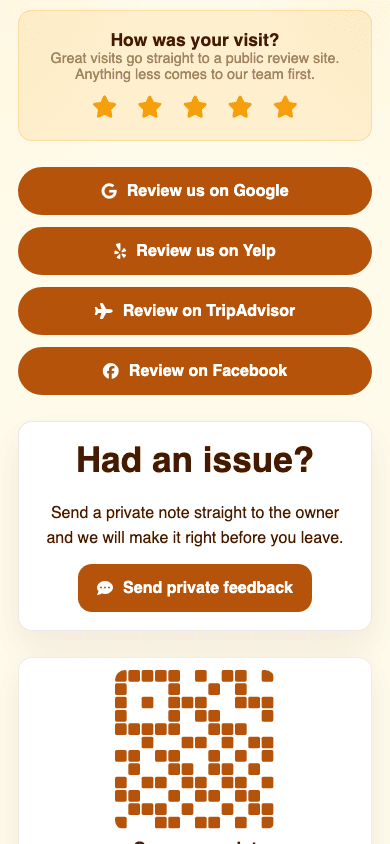
Local businesses can use one OneLink for Google reviews, Yelp, TripAdvisor, Facebook, Trustpilot, and a direct feedback form.
OneLink examples for creator bios, restaurants, podcasts, real estate listings, review link hubs, digital business cards, launches, event hubs, and local business landing pages.
Use T.LY OneLinks for creator bios, real estate listings, property flyer QR codes, digital business cards, product launches, event hubs, and local business pages that need more flexibility than one plain destination.
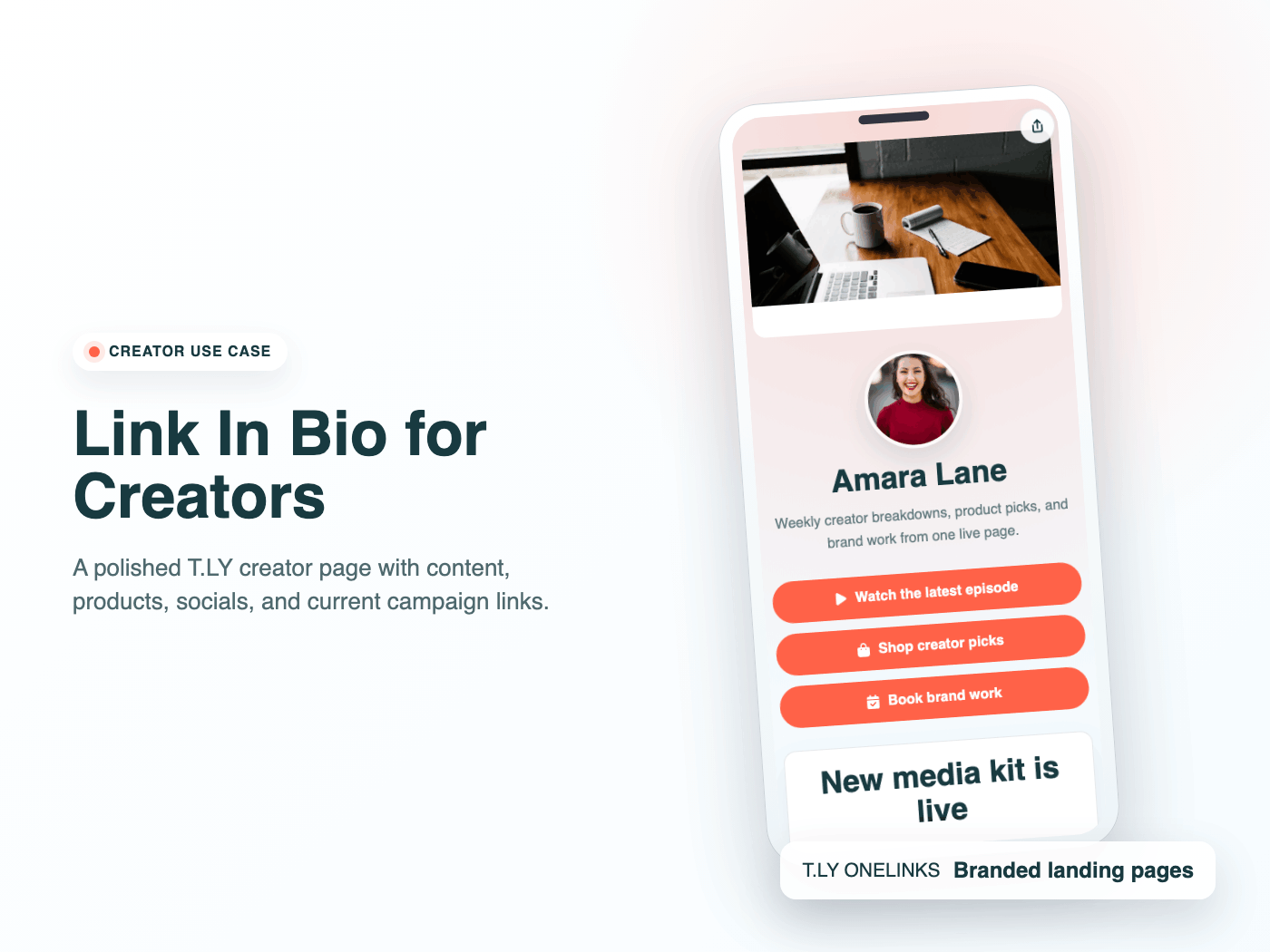
Build a creator link in bio with T.LY OneLinks for videos, storefronts, social profiles, brand campaigns, and analytics.
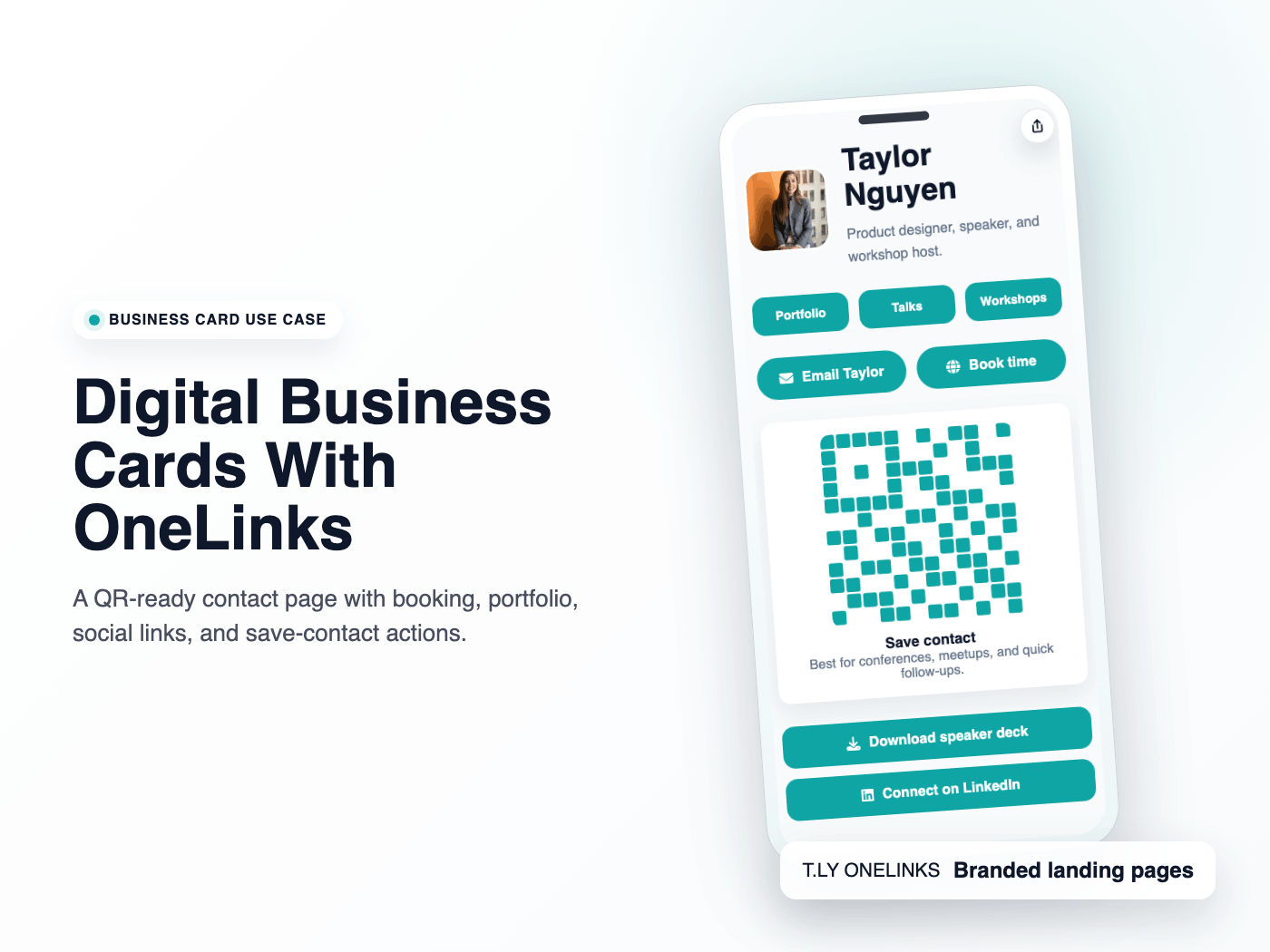
Use T.LY OneLinks as digital business cards with QR sharing, contact actions, booking links, social profiles, and branded short URLs.
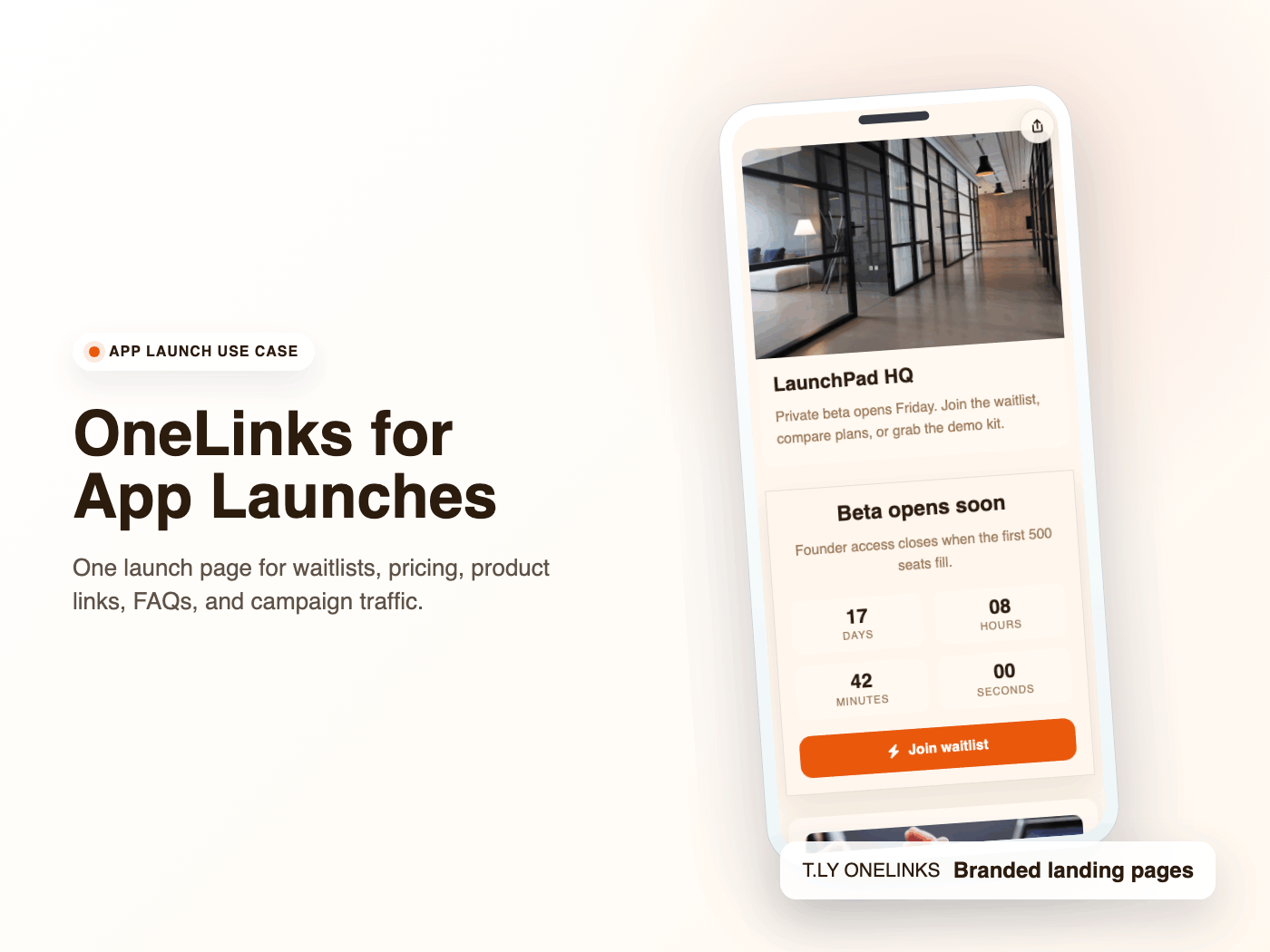
Launch apps with T.LY OneLinks using early-access CTAs, pricing sections, feature highlights, FAQs, and launch analytics.
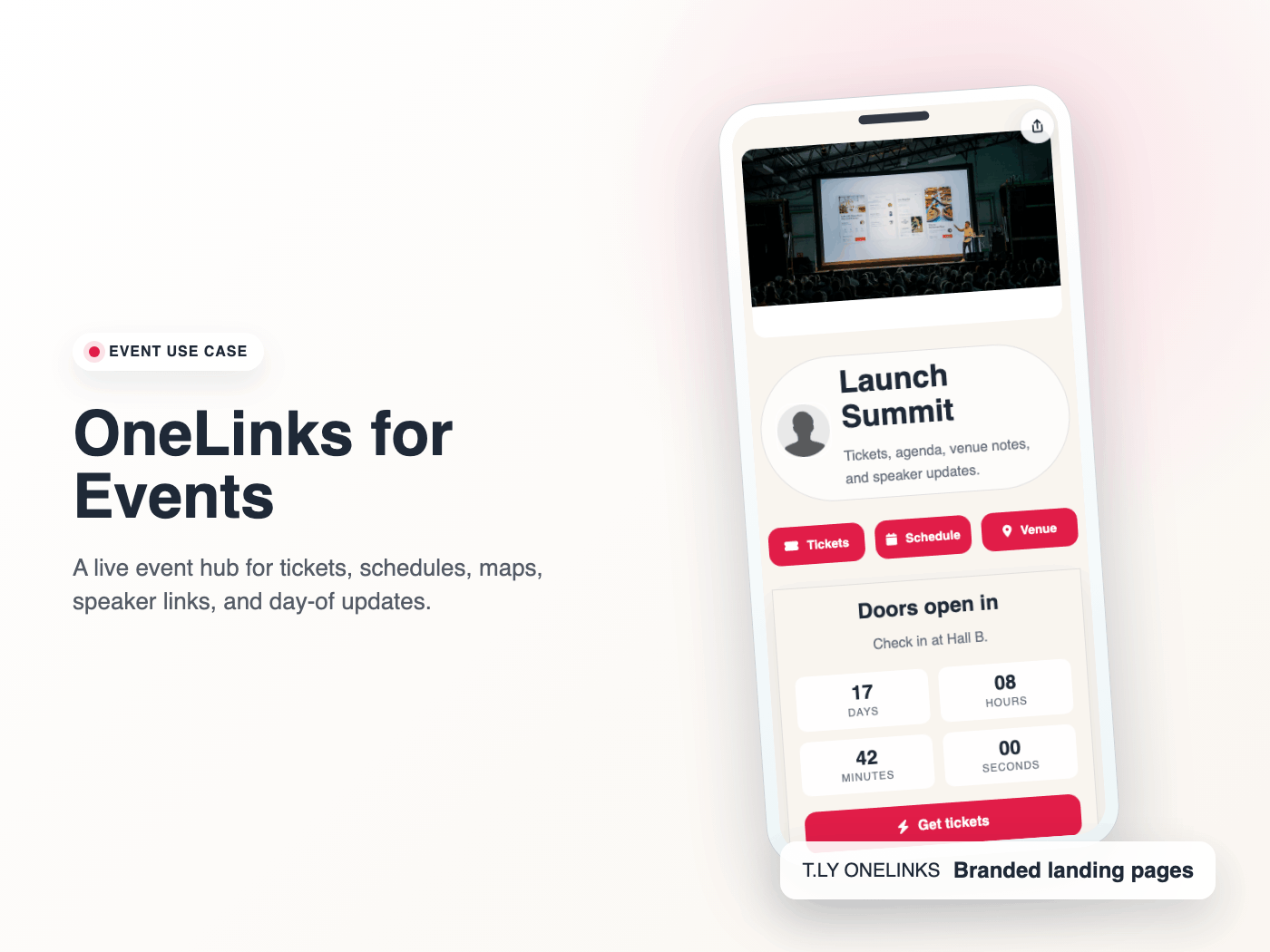
Use T.LY OneLinks for events with ticket links, countdowns, schedules, maps, FAQs, QR sharing, and mobile-friendly updates.
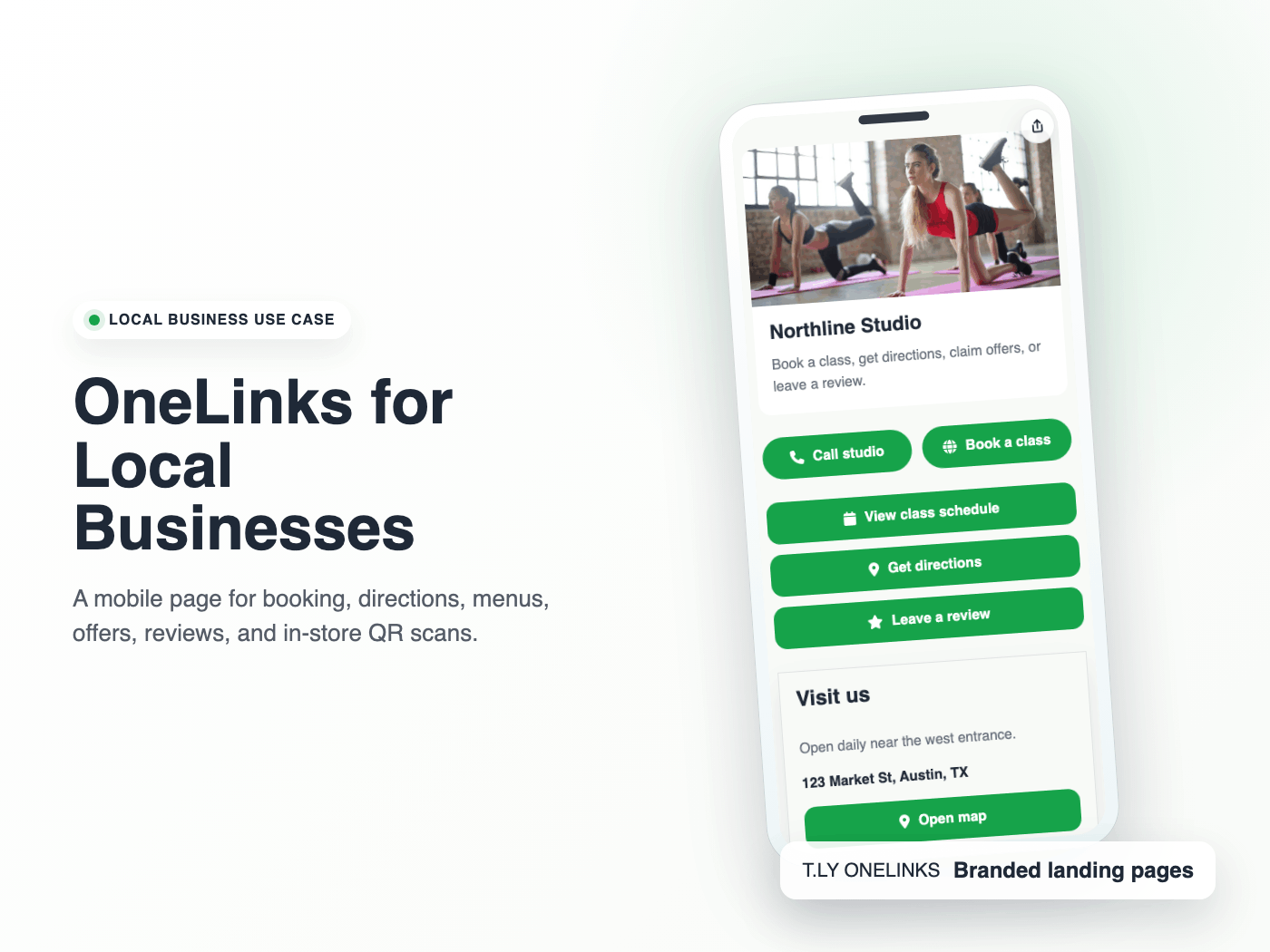
Create a local business landing page with T.LY OneLinks for hours, maps, booking, menus, offers, reviews, and QR sharing.
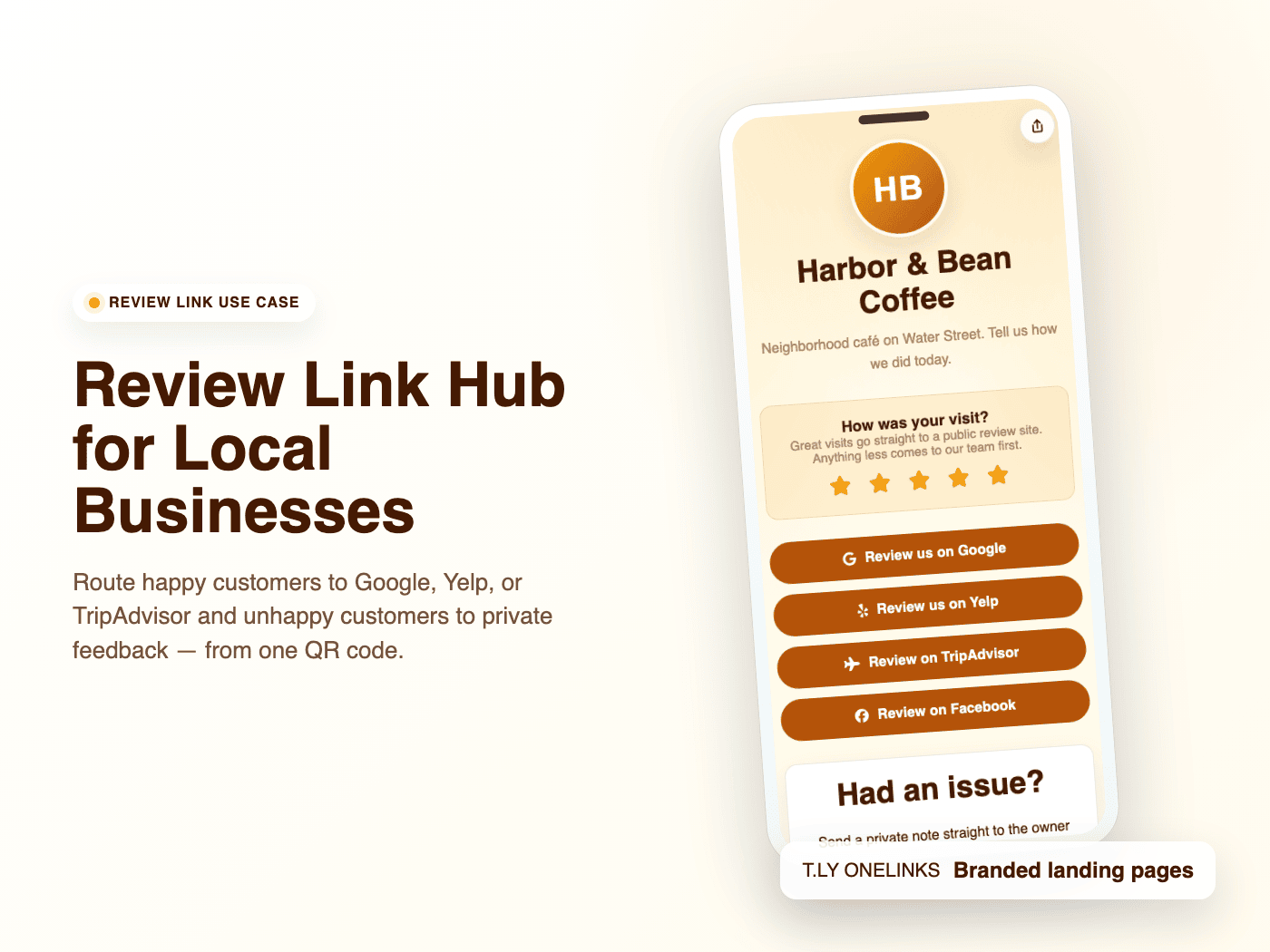
Build a local business review link hub with T.LY OneLinks for Google reviews, Yelp, TripAdvisor, Facebook, Trustpilot, and private feedback routing.
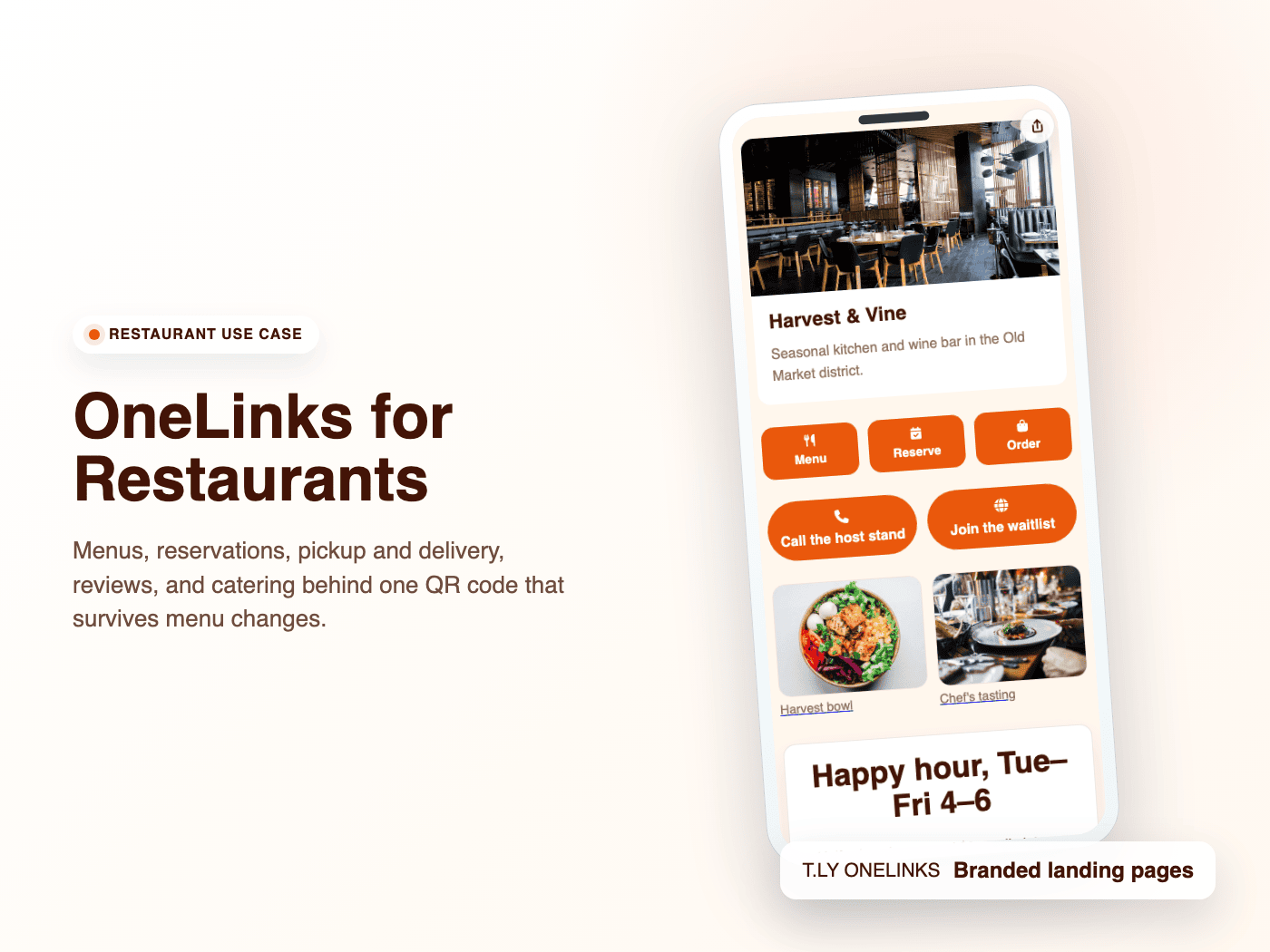
Use T.LY OneLinks for restaurant menus, reservations, delivery links, catering, reviews, private events, and QR-ready table or receipt campaigns.
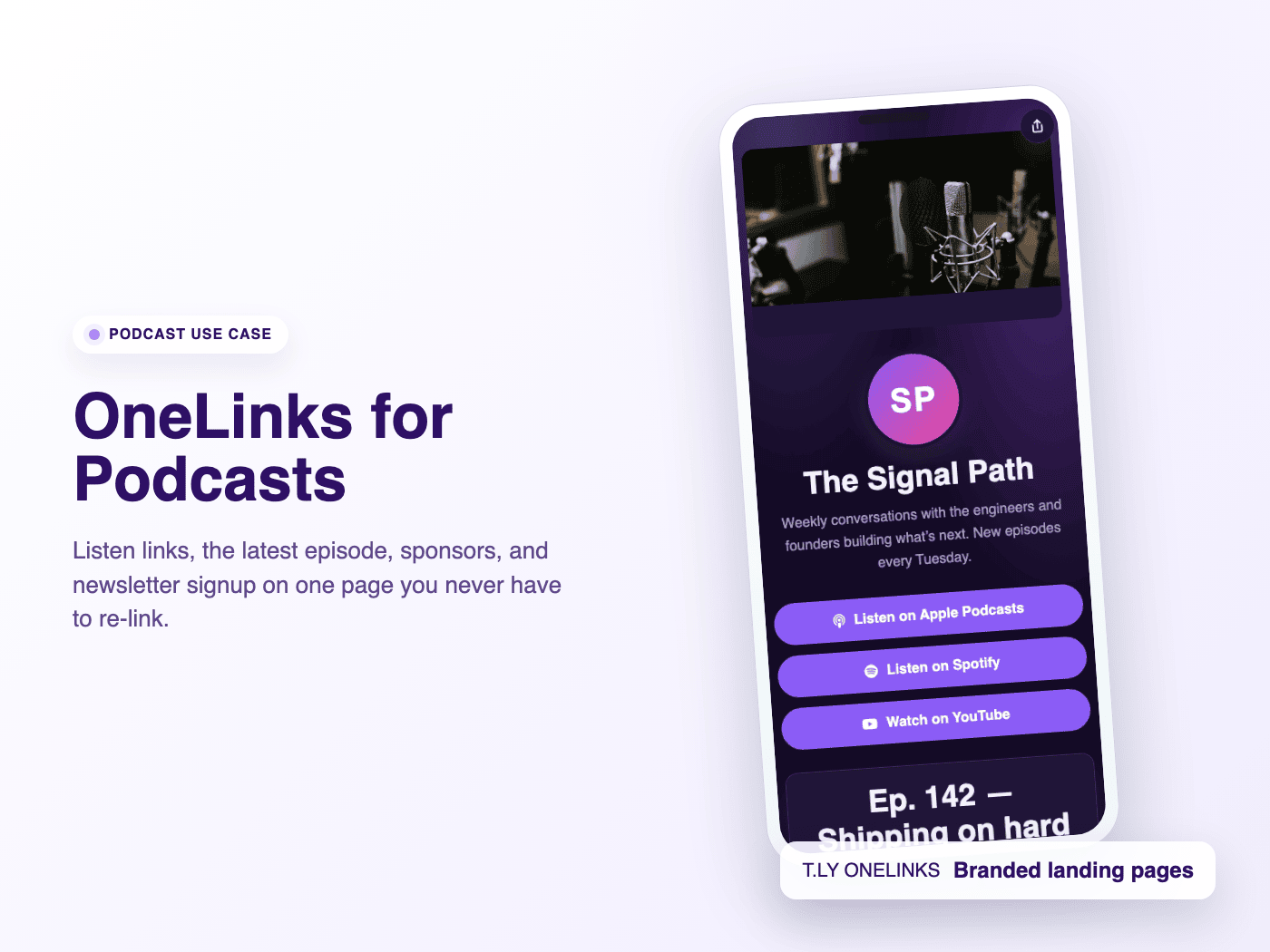
Build a podcast OneLink with listen links, latest episodes, sponsor links, guest applications, newsletter signup, merch, and analytics.
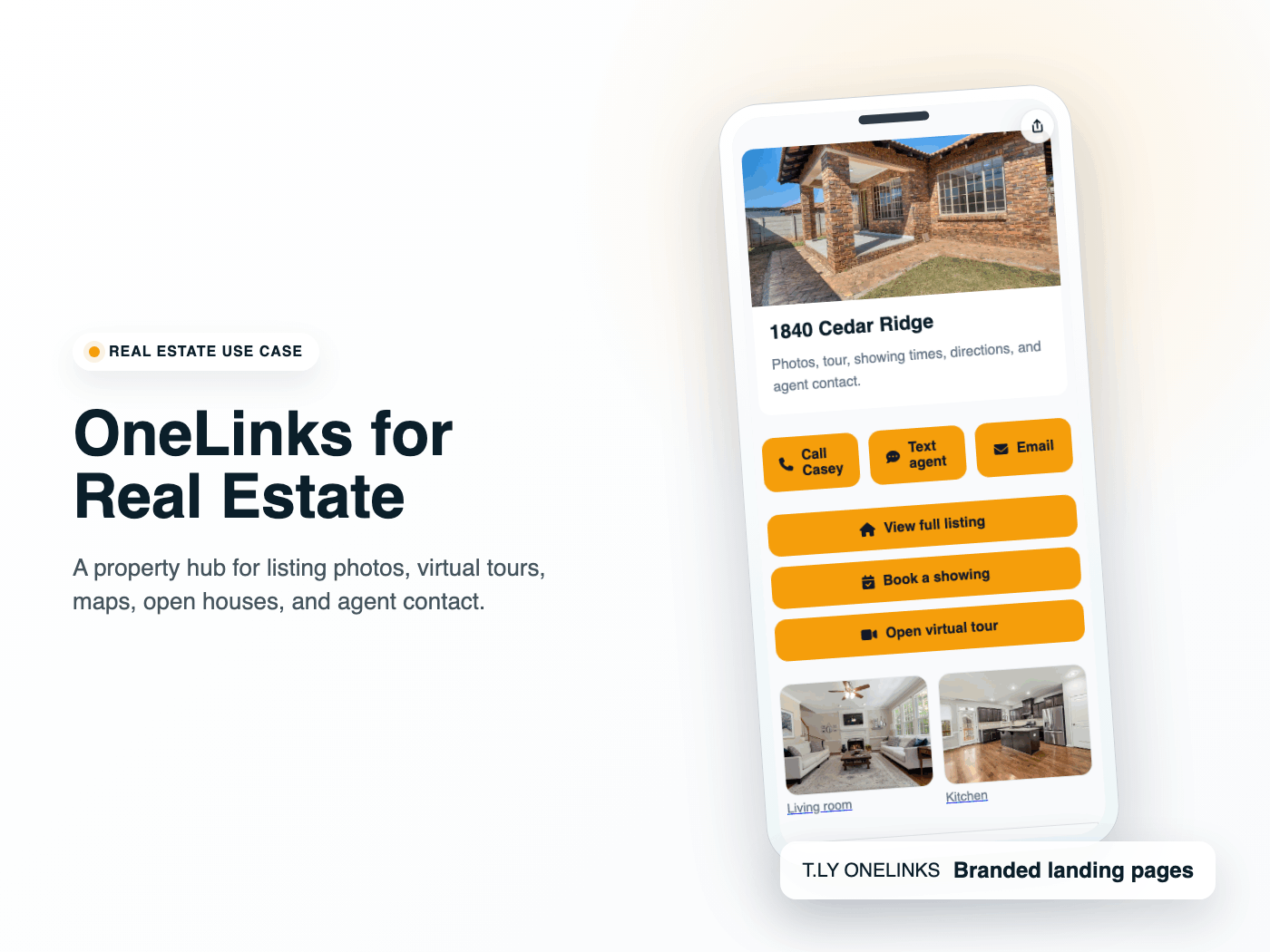
Use T.LY OneLinks for real estate listing flyers, yard sign QR codes, open house sign-in QR codes, virtual tours, maps, agent contact, and follow-up analytics.
Quick answers for teams deciding whether they need a short link, a link in bio, a digital card, or a richer campaign page.
A OneLink is a shareable landing page inside T.LY that can hold multiple buttons, sections, and content blocks behind one short URL.
No. OneLinks also fit digital business cards, local business pages, event hubs, product launches, and QR-powered landing pages.
Yes. T.LY supports custom domains so your OneLinks can match your brand instead of defaulting to t.ly.
Yes. OneLinks work well with QR codes for signage, business cards, event materials, packaging, and in-person sharing.
Yes. T.LY OneLinks include analytics so you can review page visits and see which buttons visitors click most often.
Use a short link when you have one destination. Use a OneLink when you need a branded hub page with multiple actions, sections, or campaigns.
Create a OneLink once, then keep updating the same page for your bio, business card, launch, event, or QR campaign.
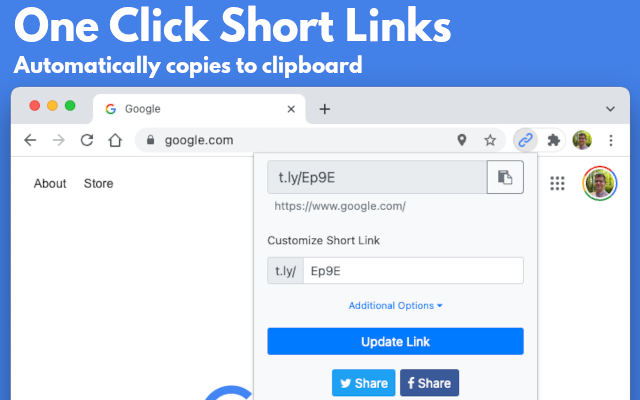
 Browser Extension