• Products
    Link Management OneLinks Link Tracker QR Code Management URL Shortener Extension Permanent Links Short URL Expander
  • Resources
    Blog API Documentation Help Center Affiliate Program Tools
  • Articles
    Guide to URL Shorteners T.LY vs Bitly Top 5 URL Shorteners T.LY vs TinyURL Best URL Shortener API T.LY vs Rebrandly
  • Login
  • Sign Up
  • Sign Up
  1. OneLinks
  2. OneLinks for Local Businesses
Local business use case

OneLinks for Local Businesses

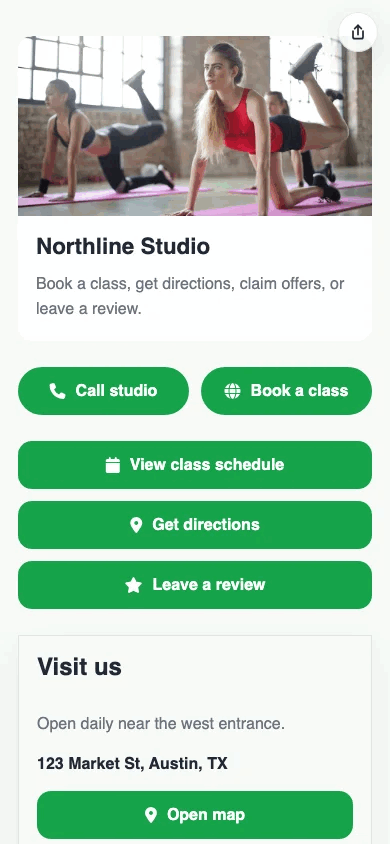
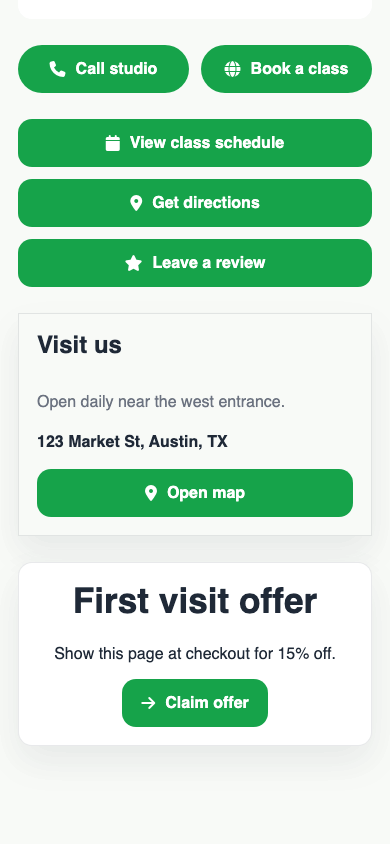
Give customers one clean mobile page for the actions they actually need: call, get directions, book time, view the menu, claim an offer, or leave a review. T.LY OneLinks help local businesses connect bio traffic, search traffic, and QR traffic in one place.
Build A Local Business Page See Product Overview
Hours + map blocks Booking + contact links Review and offer flows QR for print and signage Analytics
Real T.LY local business OneLink screenshot.

What This OneLink Setup Solves

See how T.LY turns one short branded URL into a more useful landing page for the job at hand.

Customers need several actions, not one homepage

Put directions, booking, menu, call, and offer buttons in one focused mobile destination instead of sending people to a broad website.

Social profiles and printed materials need the same destination

Use one live page across Instagram bios, Google profile links, flyers, window clings, table tents, and receipts.

Seasonal details change all the time

Refresh offers, hours, services, and booking links without replacing your main link or QR code.
Build it in T.LY

From idea to live OneLink

  1. Choose a business-friendly template, then add contact buttons, location details, booking links, offer buttons, and any review or menu destinations you want featured.
  2. Publish the OneLink on a short branded URL and add a QR code to signage, packaging, menus, receipts, or front-desk collateral.
  3. Update the page whenever your hours, services, campaigns, or seasonal priorities change, then use analytics to see which buttons get used.
Published T.LY local business OneLink page.
See it in the wild

How This OneLink Shows Up In Real Sharing Flows

  • Studios, salons, gyms, cafes, and service businesses can use one page for bookings, directions, offers, and customer follow-up.
  • A QR on the front window, menu, counter card, or receipt can open the same live business hub customers see in your bio link.
Published T.LY local business OneLink screenshot.

Why T.LY Works Better

These are the platform choices that matter after the page is live and being shared across channels.

  • Handle booking, directions, contact, offers, and reviews from one mobile page.
  • Use QR codes to connect in-store traffic with the same live page you share online.
  • Keep the destination current even as hours, services, and promotions change.
  • Measure which business actions visitors take most often so the page can improve over time.

Recommended T.LY Products

  • Location QR Code Generator
  • Review QR Code Generator
  • Coupon QR Code Generator

Helpful Reading

  • OneLinks basics
  • OneLinks analytics
  • Share OneLinks with QR codes

FAQ

What should a local business OneLink include?

Put the highest-value actions first, like booking, directions, menu, call, offer, or review, then add supporting details below.

Can local businesses use OneLinks with QR codes?

Yes. OneLinks work well with QR codes on signs, menus, receipts, packaging, and in-store materials.

Should my business use one page for both bio traffic and in-store scans?

Often yes. One live page keeps the experience consistent, and you can use separate short links or QR placements if you want cleaner source reporting.

Can I update my business page after it is published?

Yes. T.LY OneLinks are meant to be updated over time as offers, hours, or services change.

Explore More Use Cases

Keep going with adjacent OneLink setups that solve a similar distribution problem in a different channel.

View all use cases
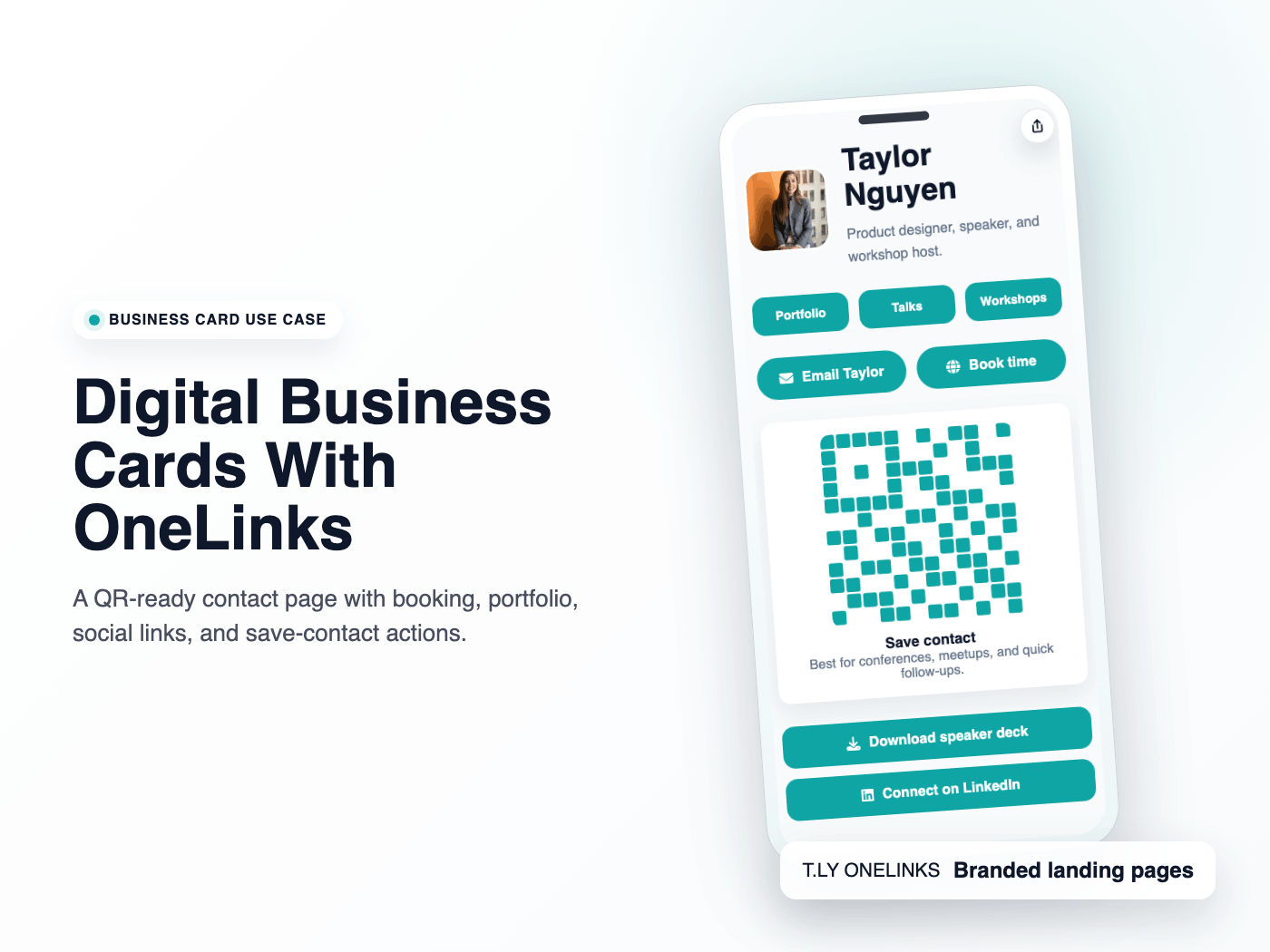
Published T.LY digital business card OneLink screenshot.

Digital Business Cards With OneLinks

Use T.LY OneLinks as digital business cards with QR sharing, contact actions, booking links, social profiles, and branded short URLs.

Business Cards Use Case
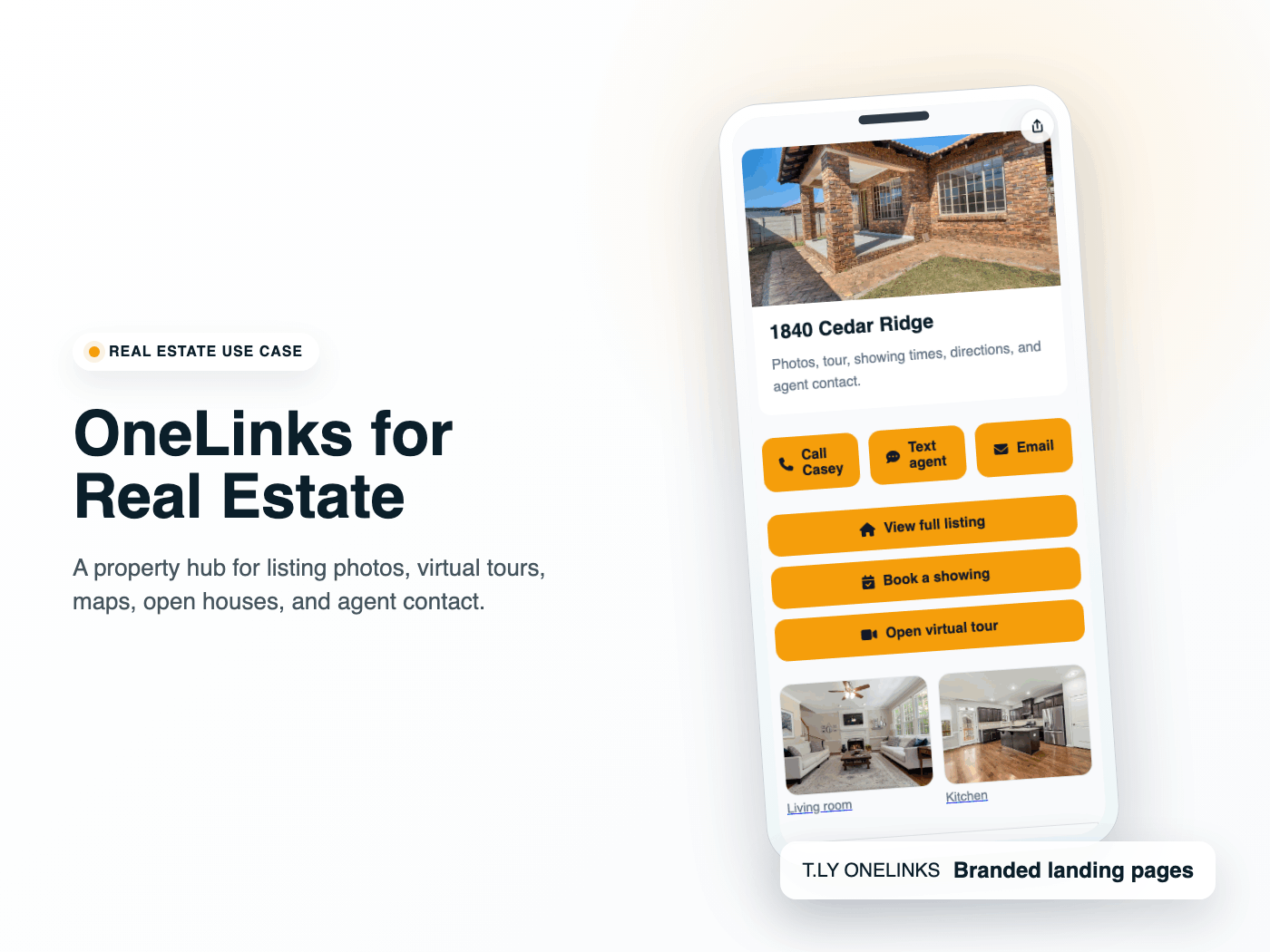
Published T.LY real estate OneLink screenshot.

OneLinks for Real Estate

Use T.LY OneLinks for real estate with listing links, virtual tours, maps, gallery content, agent contact, QR sharing, and follow-up analytics.

Real Estate Use Case
Published T.LY creator OneLink screenshot.

Link In Bio for Creators

Build a creator link in bio with T.LY OneLinks for videos, storefronts, social profiles, brand campaigns, and analytics.

Creators Use Case

Ready to build this in T.LY?

Launch a OneLink that stays flexible after you publish it, then keep sharing the same branded URL everywhere.
Build A Local Business Page

Features

  • Browser Extension
  • QR Code Extension
  • URL Expander
  • Bulk URL Shortener
  • Short Domain Finder
  • QR Code Generator
  • Free URL Shortener
  • Link In Bio

Resources

  • Pricing
  • Help Center
  • API Docs
  • Blog
  • Press Kit
  • Tools
  • Report Abuse

Company

  • About
  • Affiliates
  • Careers
  • Contact
  • Privacy
  • Terms
  • Trust & Safety
© 2026 T.LY | Trusted Link Management Platform.

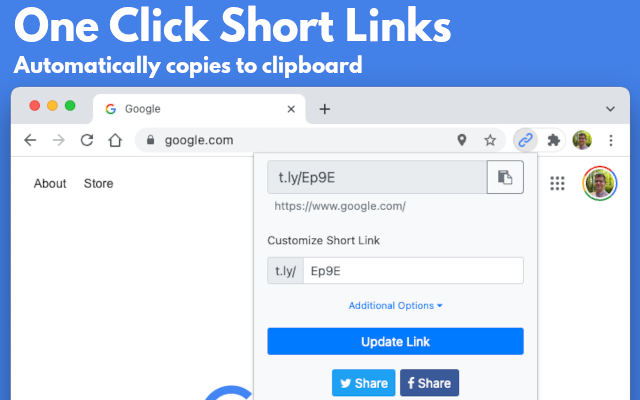
Use Link Shortener Extension next time you need to create a short URL. All it takes is one click, and a short link will be automatically copied to your clipboard!

Add To Your Browser - It's Free!

450,000+ active users

Link Shortener Extension
  • Chrome Link Shortener Extension
  • Firefox Link Shortener Extension
  • Opera Link Shortener Extension
  • Edge Link Shortener Extension

Supports Chrome, Firefox, Opera, and Edge!

Loading…