• Products
    Link Management OneLinks Link Tracker QR Code Management URL Shortener Extension Permanent Links Short URL Expander
  • Resources
    Pricing Blog API Documentation Help Center Affiliate Program Tools
  • Articles
    Guide to URL Shorteners T.LY vs Bitly Top 5 URL Shorteners T.LY vs TinyURL Best URL Shortener API T.LY vs Rebrandly
  • Login
  • Sign Up
  • Sign Up
  1. OneLinks
  2. Digital Business Cards With OneLinks
Business card use case

Digital Business Cards With OneLinks

Replace a static paper card with a page you can actually update. T.LY OneLinks help founders, consultants, sales reps, recruiters, and event teams share contact info, booking links, socials, and key resources from one QR-ready page.
Create A Digital Business Card View OneLinks Product Page
Digital card templates Contact + booking actions QR-ready sharing Custom domains Analytics
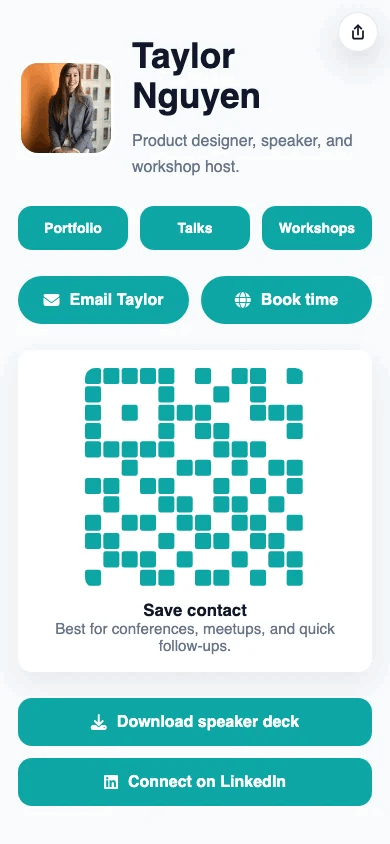
T.LY digital business card OneLink example screenshot.

What This OneLink Setup Solves

See how T.LY turns one short branded URL into a more useful landing page for the job at hand.

Printed cards go out of date quickly

Update your role, phone, calendar, deck link, or social profiles in one place instead of reprinting every time something changes.

One contact method is never enough

Give people options to call, email, book time, save your details, visit your site, or view a portfolio from the same page.

Networking rarely gets measured

Track visits and button clicks after events, conferences, and outbound campaigns so you know whether people actually follow up.

Build it in T.LY

From idea to live OneLink

  1. Pick a business-card style template and add contact actions, social links, booking buttons, directions, and a short bio.
  2. Publish the page on a branded short URL, then generate a QR code for conference badges, presentations, booths, tables, or printed leave-behinds.
  3. Update your profile once after the event and keep the same card live for future follow-up instead of creating a new asset every time.
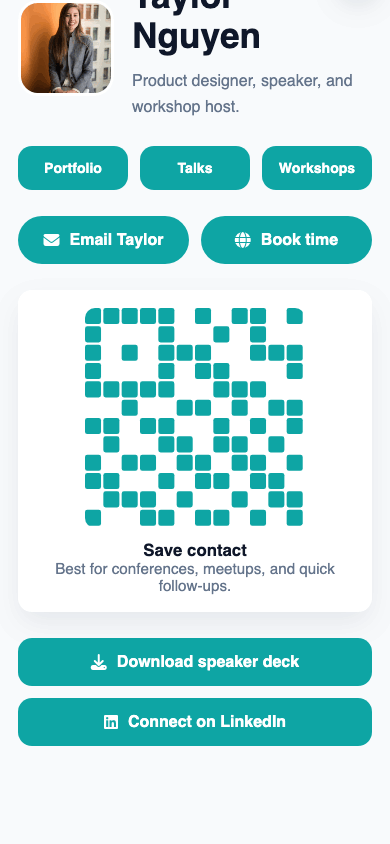
T.LY digital business card OneLink example screenshot showing contact and QR blocks.
Example placements

Business Card Examples: Badges, Booths, and Follow-Up

  • Add the QR to event badges, booth signs, slide decks, proposal PDFs, or printed cards so every handshake leads to contact, calendar, and portfolio links.
  • Sales reps, consultants, speakers, and recruiters can refresh deck links, booking pages, territory info, or LinkedIn links after the event without reprinting anything.
Conference table where a digital business card OneLink can be shared with new contacts.

Why T.LY Works Better

These are the platform choices that matter after the page is live and being shared across channels.

  • Share one destination that stays current instead of handing out static information.
  • Pair contact details with booking, portfolio, deck, and social buttons on the same page.
  • Use the OneLink QR flow for fast in-person sharing at events and meetings.
  • Keep the page on-brand with custom domains, colors, and layouts.

Recommended T.LY Products

  • Business Card QR Code Generator
  • vCard QR Code Generator
  • QR Code Management

Helpful Reading

  • OneLinks basics
  • Share OneLinks with QR codes
  • Templates and styling

FAQ

Why use a digital business card instead of a paper card?

A digital card can be updated later, can include more than one next step, and can be shared with QR codes, text, email, and social profiles.

Can a OneLink business card include booking and contact buttons?

Yes. T.LY OneLinks can combine call, email, website, booking, social, and map actions on one page.

Can I share a digital business card with a QR code?

Yes. T.LY supports QR sharing for OneLinks so people can scan and open your page instantly.

Can I keep using the same digital card after my details change?

Yes. Update the live page and keep sharing the same OneLink URL and QR code.

Explore More Use Cases

Keep going with adjacent OneLink setups that solve a similar distribution problem in a different channel.

View all use cases
T.LY creator OneLink use case preview.

Link In Bio for Creators

Build a creator link in bio with T.LY OneLinks for videos, storefronts, social profiles, brand campaigns, and analytics.

Creators Use Case
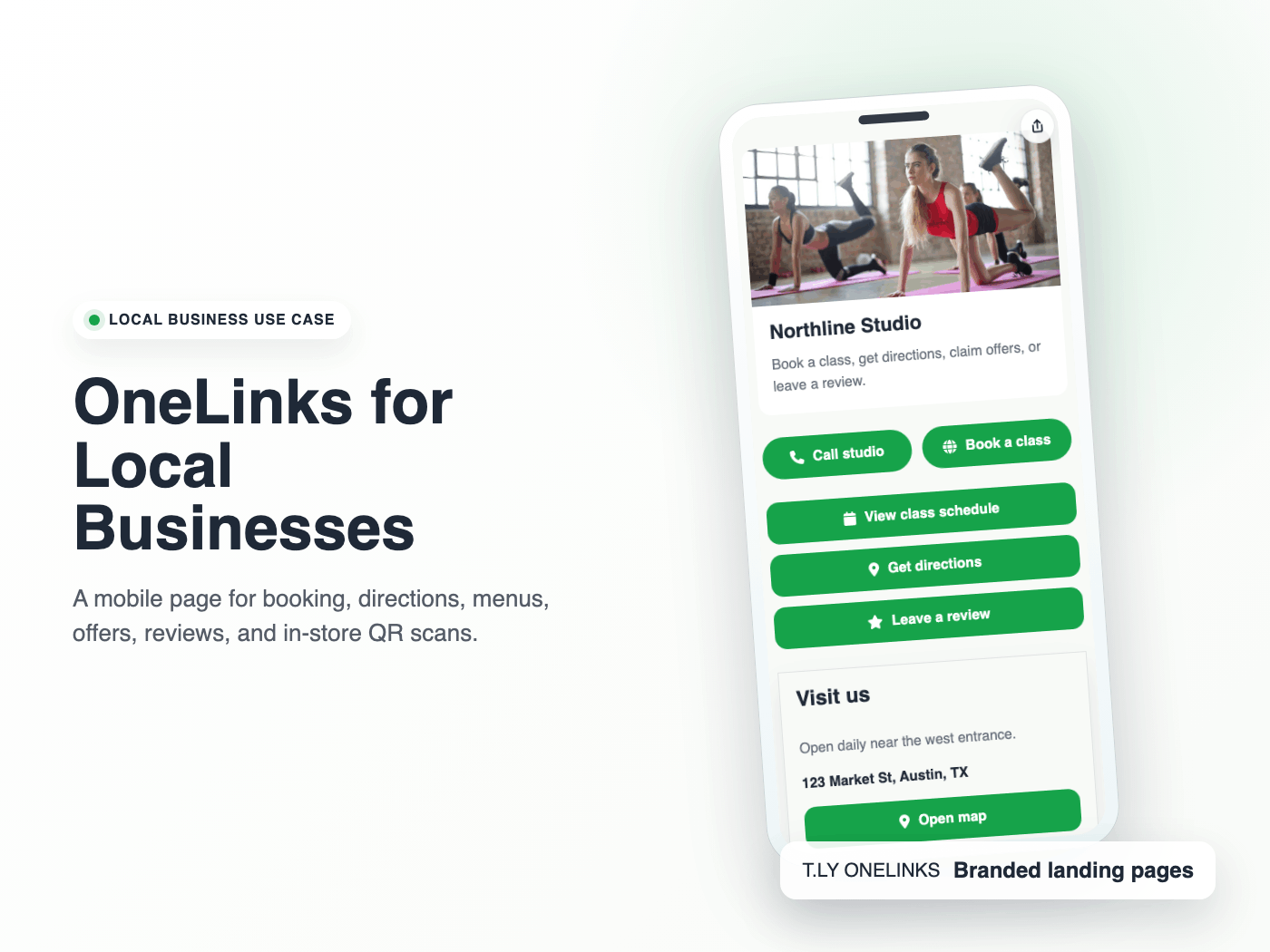
T.LY local business OneLink use case preview.

OneLinks for Local Businesses

Create a local business landing page with T.LY OneLinks for hours, maps, booking, menus, offers, reviews, and QR sharing.

Local Businesses Use Case
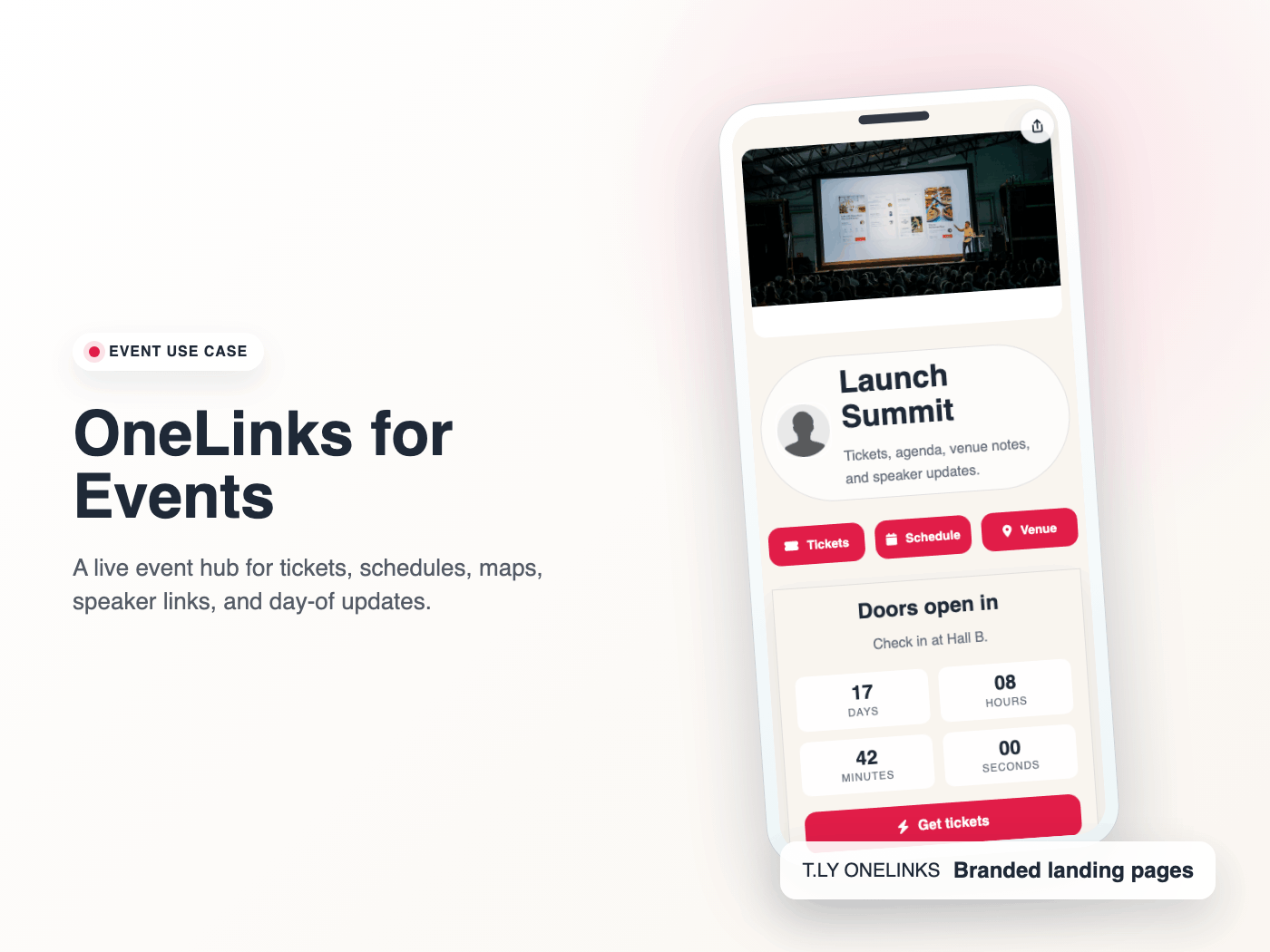
T.LY event OneLink use case preview.

OneLinks for Events

Use T.LY OneLinks for events with ticket links, countdowns, schedules, maps, FAQs, QR sharing, and mobile-friendly updates.

Events Use Case

Ready to build this in T.LY?

Launch a OneLink that stays flexible after you publish it, then keep sharing the same branded URL everywhere.
Create A Digital Business Card

Features

  • Browser Extension
  • QR Code Extension
  • URL Expander
  • Bulk URL Shortener
  • Short Domain Finder
  • QR Code Generator
  • Free URL Shortener
  • Link In Bio

Resources

  • Pricing
  • Help Center
  • API Docs
  • Blog
  • Press Kit
  • Tools
  • Report Abuse

Company

  • About
  • Affiliates
  • Careers
  • Contact
  • Privacy
  • Terms
  • Trust & Safety
© 2026 T.LY | Trusted Link Management Platform.
Browser Extension

Shorten your next link without opening T.LY

Install the free extension and turn any page into a short link in one click. It copies straight to your clipboard.

Add Free Extension

450,000+ people already use it

T.LY Link Shortener Extension preview

Works with your browser

  • Chrome Link Shortener Extension
  • Firefox Link Shortener Extension
  • Opera Link Shortener Extension
  • Edge Link Shortener Extension
Loading…