• Products
    Link Management OneLinks Link Tracker QR Code Management URL Shortener Extension Permanent Links Short URL Expander
  • Resources
    Blog API Documentation Help Center Affiliate Program Tools
  • Articles
    Guide to URL Shorteners T.LY vs Bitly Top 5 URL Shorteners T.LY vs TinyURL Best URL Shortener API T.LY vs Rebrandly
  • Login
  • Sign Up
  • Sign Up
  1. OneLinks
  2. Link In Bio for Creators
Creator use case

Link In Bio for Creators

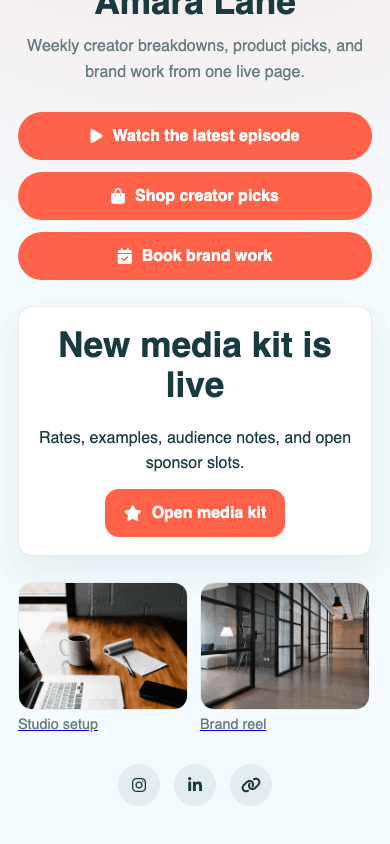
Turn one bio link into a polished mobile landing page for your latest video, storefront, affiliate picks, social channels, and current campaign. T.LY OneLinks help creators update priorities fast without rebuilding a site every week.

Build Your Creator OneLink See OneLinks Overview
Creator bio templates Latest content links Video + social blocks Custom short URLs Visit + click analytics
Real T.LY creator OneLink screenshot.

What This OneLink Setup Solves

See how T.LY turns one short branded URL into a more useful landing page for the job at hand.

You only get one link in your bio

Use that one slot to send people to a page that can hold your newest video, product links, socials, and current campaign instead of forcing everything into one destination.

Campaign priorities change constantly

Swap the top button from a merch drop to a sponsor campaign to a new video without editing every social profile again.

Audience paths are hard to measure

Track page visits and button clicks so you can see whether followers care more about content, products, or off-platform destinations.

Build it in T.LY

From idea to live OneLink

  1. Start with a bio template, then add your profile, featured buttons, social icons, and optional video or podcast sections.
  2. Publish on a clean T.LY short URL or your own custom domain, then place it in Instagram, TikTok, YouTube, X, Threads, and creator profiles.
  3. Reorder the top actions as campaigns change and review visit and click data to keep the page aligned with what followers actually use.
Published T.LY creator OneLink page.
See it in the wild

How This OneLink Shows Up In Real Sharing Flows

  • Pin the current priority first, like a new video, merch drop, affiliate list, or waitlist page.
  • Reuse the same OneLink in social bios, newsletter headers, video descriptions, and QR handouts at creator meetups.
Published T.LY creator OneLink screenshot.

Why T.LY Works Better

These are the platform choices that matter after the page is live and being shared across channels.

  • Update your main CTA without touching every social profile manually.
  • Blend social links, content links, product links, and contact paths on one mobile-friendly page.
  • Pair the same OneLink with QR codes for meetups, merch tables, and live events.
  • Use analytics to learn which buttons deserve the top spots.

Recommended T.LY Products

  • Link Tracker
  • Link Management
  • QR Code Generator

Helpful Reading

  • OneLinks basics
  • Templates and styling
  • OneLinks analytics

FAQ

What should creators put first on a link in bio page?

Put the single action that matters most right now at the top, such as a new video, merch drop, sponsor page, waitlist, or booking request.

Can I reuse the same OneLink across multiple social platforms?

Yes. OneLinks are meant to act as the shared destination for Instagram, TikTok, YouTube, podcast bios, email signatures, and more.

Can creators track which buttons get the most clicks?

Yes. T.LY OneLinks include analytics so you can review visits and button engagement over time.

Can I use QR codes with a creator bio page?

Yes. T.LY can pair your OneLink with a QR code for live events, printed materials, merch tables, or speaker appearances.

Explore More Use Cases

Keep going with adjacent OneLink setups that solve a similar distribution problem in a different channel.

View all use cases
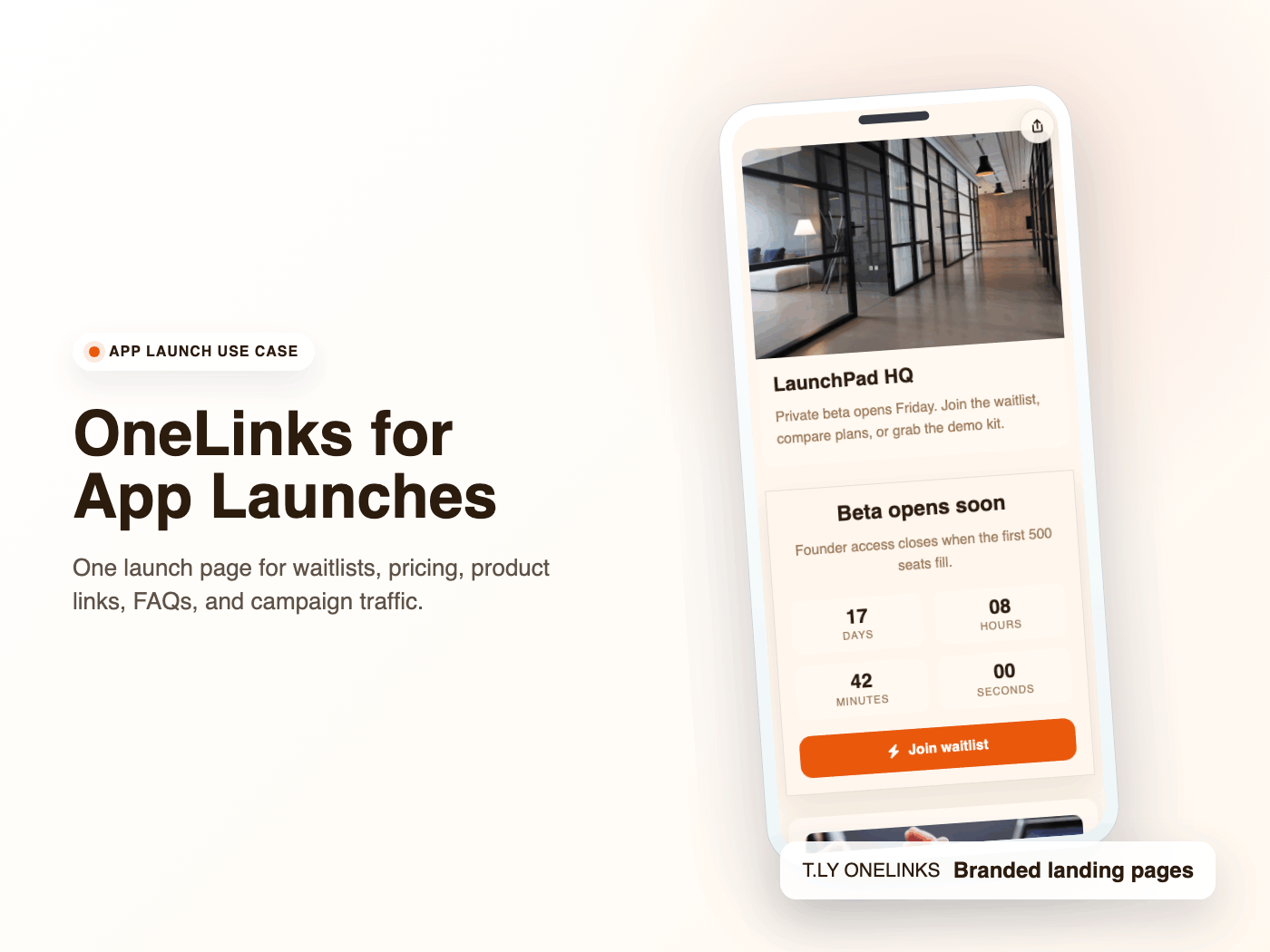
Example T.LY app launch OneLink with early-access, pricing, and waitlist sections.

OneLinks for App Launches and Waitlists

Launch apps with T.LY OneLinks using early-access CTAs, pricing sections, feature highlights, FAQs, and launch analytics.

App Launch Use Case
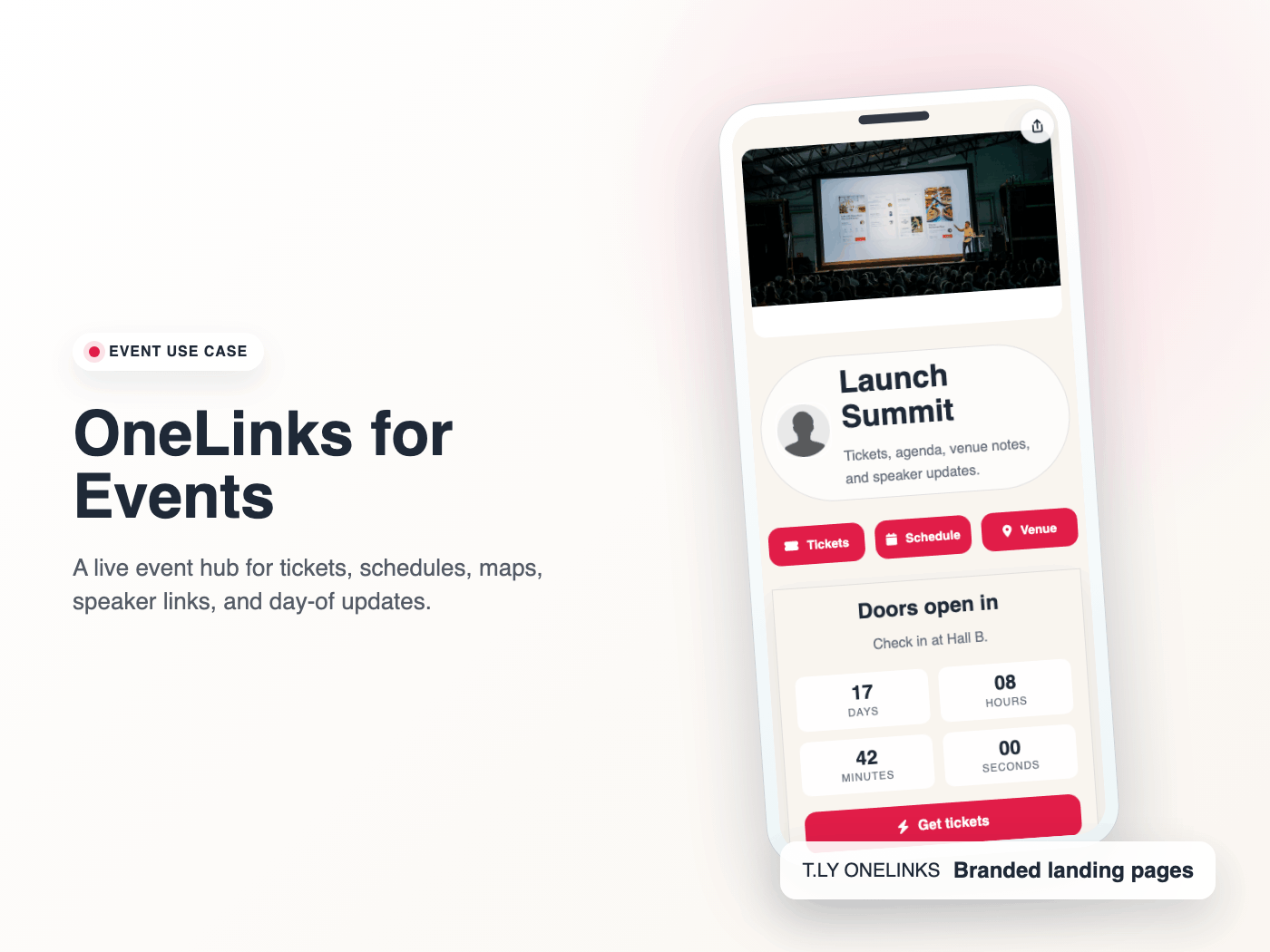
Published T.LY event OneLink screenshot.

OneLinks for Events

Use T.LY OneLinks for events with ticket links, countdowns, schedules, maps, FAQs, QR sharing, and mobile-friendly updates.

Events Use Case
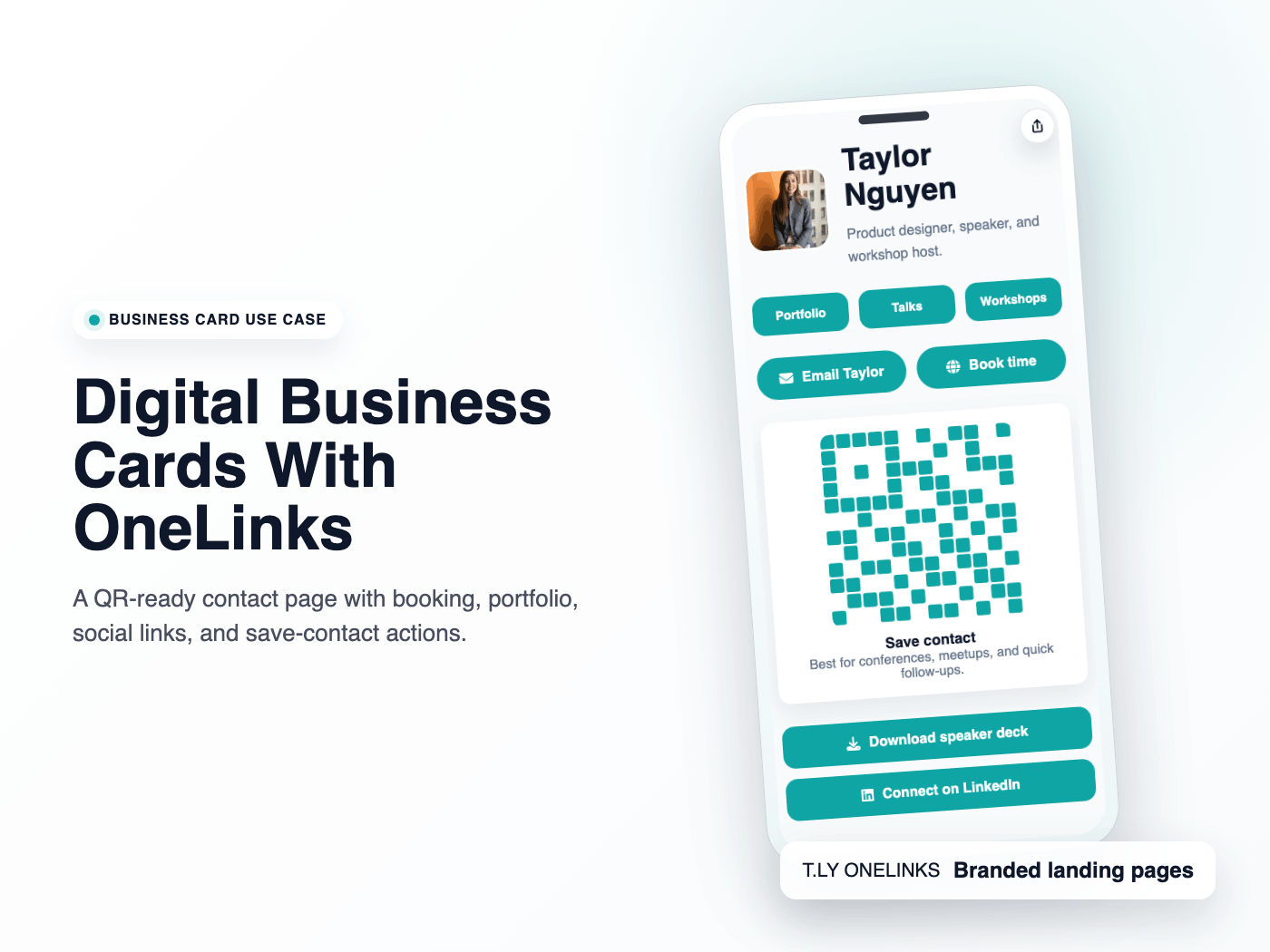
Published T.LY digital business card OneLink screenshot.

Digital Business Cards With OneLinks

Use T.LY OneLinks as digital business cards with QR sharing, contact actions, booking links, social profiles, and branded short URLs.

Business Cards Use Case

Ready to build this in T.LY?

Launch a OneLink that stays flexible after you publish it, then keep sharing the same branded URL everywhere.
Build Your Creator OneLink

Features

  • Browser Extension
  • QR Code Extension
  • URL Expander
  • Bulk URL Shortener
  • Short Domain Finder
  • QR Code Generator
  • Free URL Shortener
  • Link In Bio

Resources

  • Pricing
  • Help Center
  • API Docs
  • Blog
  • Press Kit
  • Tools
  • Report Abuse

Company

  • About
  • Affiliates
  • Careers
  • Contact
  • Privacy
  • Terms
  • Trust & Safety
© 2026 T.LY | Trusted Link Management Platform.

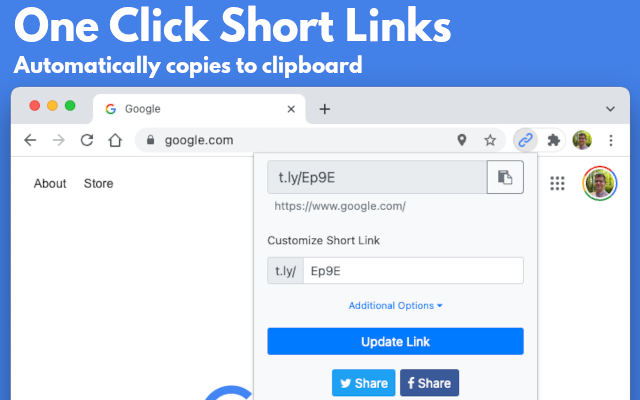
Use Link Shortener Extension next time you need to create a short URL. All it takes is one click, and a short link will be automatically copied to your clipboard!

Add To Your Browser - It's Free!

450,000+ active users

Link Shortener Extension
  • Chrome Link Shortener Extension
  • Firefox Link Shortener Extension
  • Opera Link Shortener Extension
  • Edge Link Shortener Extension

Supports Chrome, Firefox, Opera, and Edge!

Loading…