• Products
    Link Management OneLinks Link Tracker QR Code Management URL Shortener Extension Permanent Links Short URL Expander
  • Resources
    Blog API Documentation Help Center Affiliate Program Tools
  • Articles
    Guide to URL Shorteners T.LY vs Bitly Top 5 URL Shorteners T.LY vs TinyURL Best URL Shortener API T.LY vs Rebrandly
  • Login
  • Sign Up
  • Sign Up
  1. OneLinks
  2. OneLinks for App Launches and Waitlists
App launch use case

OneLinks for App Launches and Waitlists

Give your app launch one destination that can move from teaser page to waitlist hub to pricing page without changing the link people already have. T.LY OneLinks help software teams, indie founders, and SaaS marketers ship launch pages fast without engineering work for every update.
Launch An App Waitlist Explore OneLinks
Early access CTAs Pricing sections Feature + FAQ blocks Waitlist-ready link hub Analytics
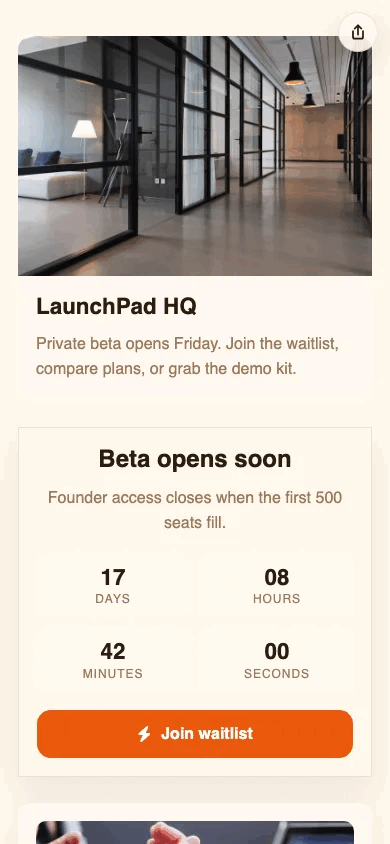
Example T.LY app launch OneLink with early-access, pricing, and waitlist sections.

What This OneLink Setup Solves

See how T.LY turns one short branded URL into a more useful landing page for the job at hand.

Waitlist traffic comes from too many channels

Use one branded destination across social posts, founder updates, newsletters, demos, and partner links so every campaign points to the same launch story.

The app page changes before and after launch

Swap the main action from join waitlist to request early access to start trial without rebuilding the page from scratch.

Main marketing sites are often too broad

Keep one launch-specific page for pricing, feature highlights, FAQs, testimonials, and launch updates instead of sending traffic to a generic homepage.

Build it in T.LY

From idea to live OneLink

  1. Start with a OneLink template, then add hero messaging, early-access CTA buttons, plan pricing, feature sections, FAQs, and launch-day actions.
  2. Publish the page on a short branded URL, then update the top CTA from waitlist to sign up to pricing once the launch moves forward.
  3. Use the same OneLink in social bios, founder announcements, demo decks, email sends, product communities, and launch posts.
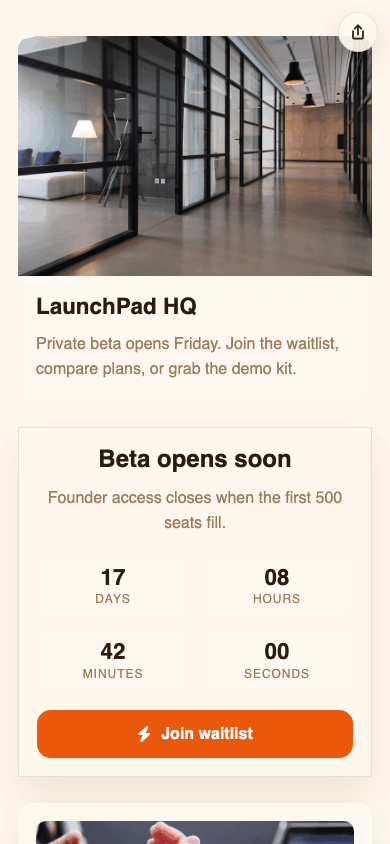
Example T.LY app launch page with early-access CTA, pricing plans, and waitlist FAQ sections.
See it in the wild

How This OneLink Shows Up In Real Sharing Flows

  • One page can move from coming soon to early access to full pricing without changing the URL prospects already have.
  • The same link can work in Product Hunt teasers, X posts, email waitlist pushes, founder bios, and QR codes at demos or meetup booths.
Example T.LY app launch OneLink with early-access, pricing, and waitlist sections.

Why T.LY Works Better

These are the platform choices that matter after the page is live and being shared across channels.

  • Launch pages can start simple, then grow into pricing, onboarding, and FAQ hubs without changing the main URL.
  • Update early-access CTAs and supporting sections without touching every post or campaign that already links to the page.
  • Pair the same app launch page with short links, custom domains, and QR codes for demos or in-person events.
  • Track visits and button clicks to see whether prospects care most about pricing, waitlist, or features.

Recommended T.LY Products

  • Link Tracker
  • Link Management
  • QR Code Management

Helpful Reading

  • Templates and styling
  • OneLinks analytics
  • Share OneLinks with QR codes

FAQ

Can an app launch OneLink change after the first announcement?

Yes. You can update the live page so the same link shifts from teaser messaging to waitlist capture to pricing or signup once the product is live.

Should I put pricing on the same app launch page as the waitlist?

Often yes, especially if prospects need context before joining. OneLink works well for combining value prop, pricing, feature highlights, and FAQs in one place.

Can I reuse the same app launch page across social, email, and demos?

Yes. That is one of the strongest reasons to use a OneLink. You can keep one source of truth while still tracking performance by channel with different short links or QR codes.

Can I track which app launch buttons get the most clicks?

Yes. T.LY OneLinks include analytics for visits and click activity so you can compare interest in waitlist, pricing, or feature sections over time.

Explore More Use Cases

Keep going with adjacent OneLink setups that solve a similar distribution problem in a different channel.

View all use cases
Published T.LY creator OneLink screenshot.

Link In Bio for Creators

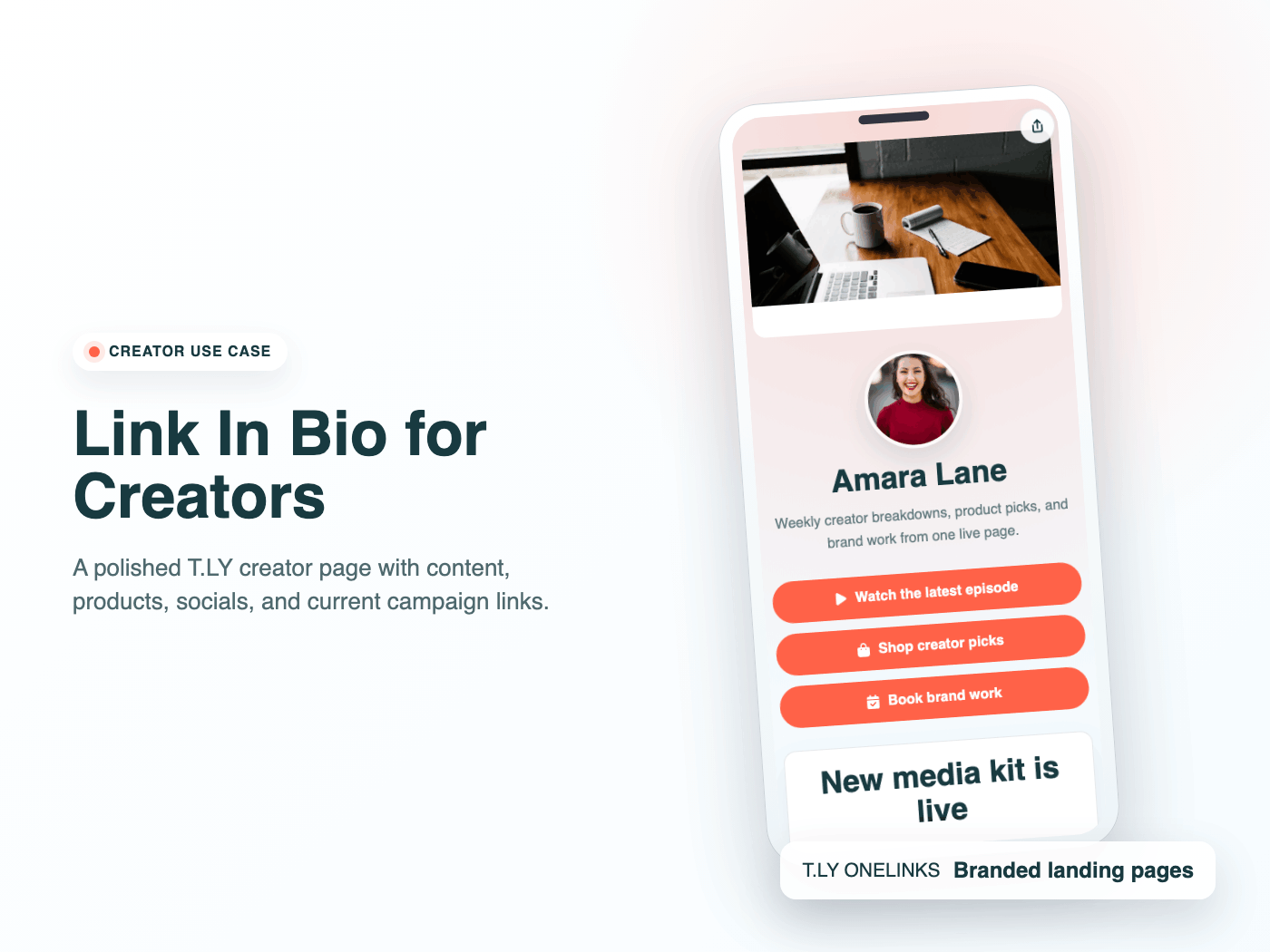
Build a creator link in bio with T.LY OneLinks for videos, storefronts, social profiles, brand campaigns, and analytics.

Creators Use Case
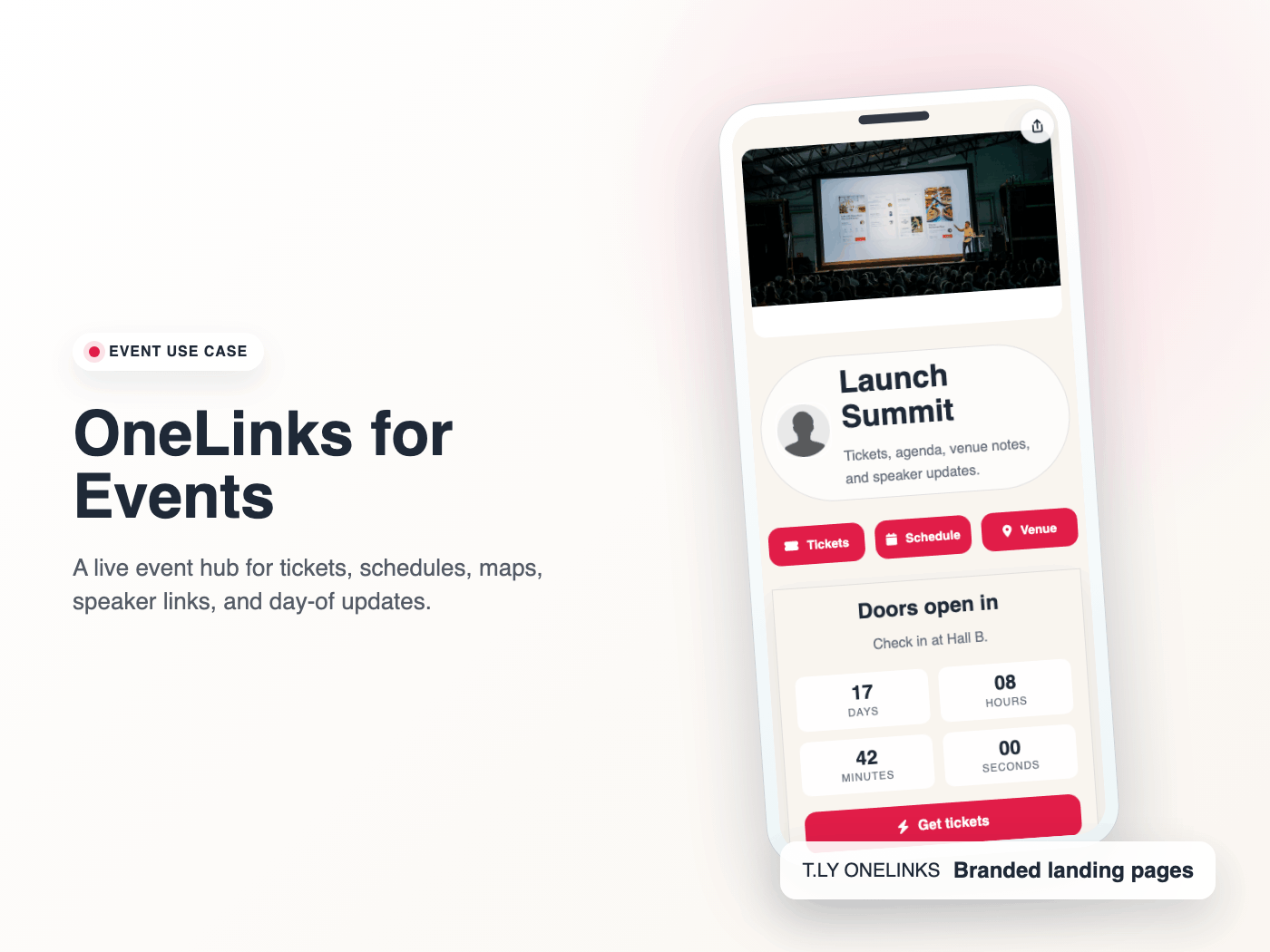
Published T.LY event OneLink screenshot.

OneLinks for Events

Use T.LY OneLinks for events with ticket links, countdowns, schedules, maps, FAQs, QR sharing, and mobile-friendly updates.

Events Use Case
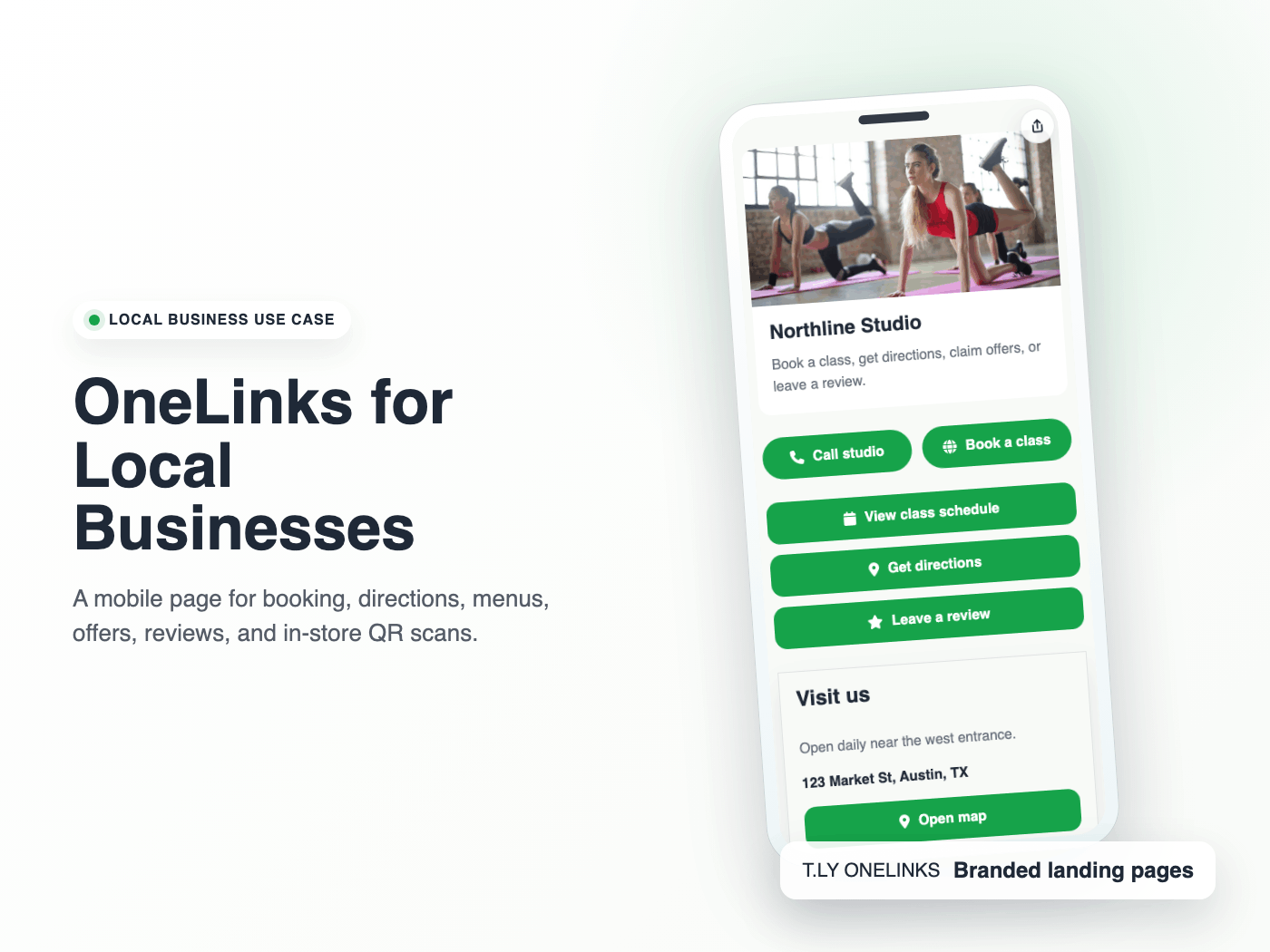
Published T.LY local business OneLink screenshot.

OneLinks for Local Businesses

Create a local business landing page with T.LY OneLinks for hours, maps, booking, menus, offers, reviews, and QR sharing.

Local Businesses Use Case

Ready to build this in T.LY?

Launch a OneLink that stays flexible after you publish it, then keep sharing the same branded URL everywhere.
Launch An App Waitlist

Features

  • Browser Extension
  • QR Code Extension
  • URL Expander
  • Bulk URL Shortener
  • Short Domain Finder
  • QR Code Generator
  • Free URL Shortener
  • Link In Bio

Resources

  • Pricing
  • Help Center
  • API Docs
  • Blog
  • Press Kit
  • Tools
  • Report Abuse

Company

  • About
  • Affiliates
  • Careers
  • Contact
  • Privacy
  • Terms
  • Trust & Safety
© 2026 T.LY | Trusted Link Management Platform.

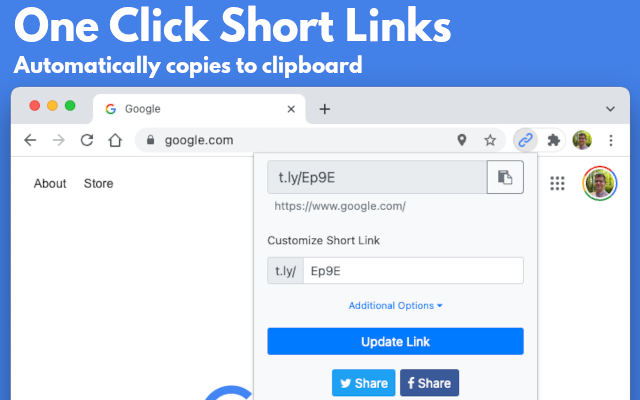
Use Link Shortener Extension next time you need to create a short URL. All it takes is one click, and a short link will be automatically copied to your clipboard!

Add To Your Browser - It's Free!

450,000+ active users

Link Shortener Extension
  • Chrome Link Shortener Extension
  • Firefox Link Shortener Extension
  • Opera Link Shortener Extension
  • Edge Link Shortener Extension

Supports Chrome, Firefox, Opera, and Edge!

Loading…