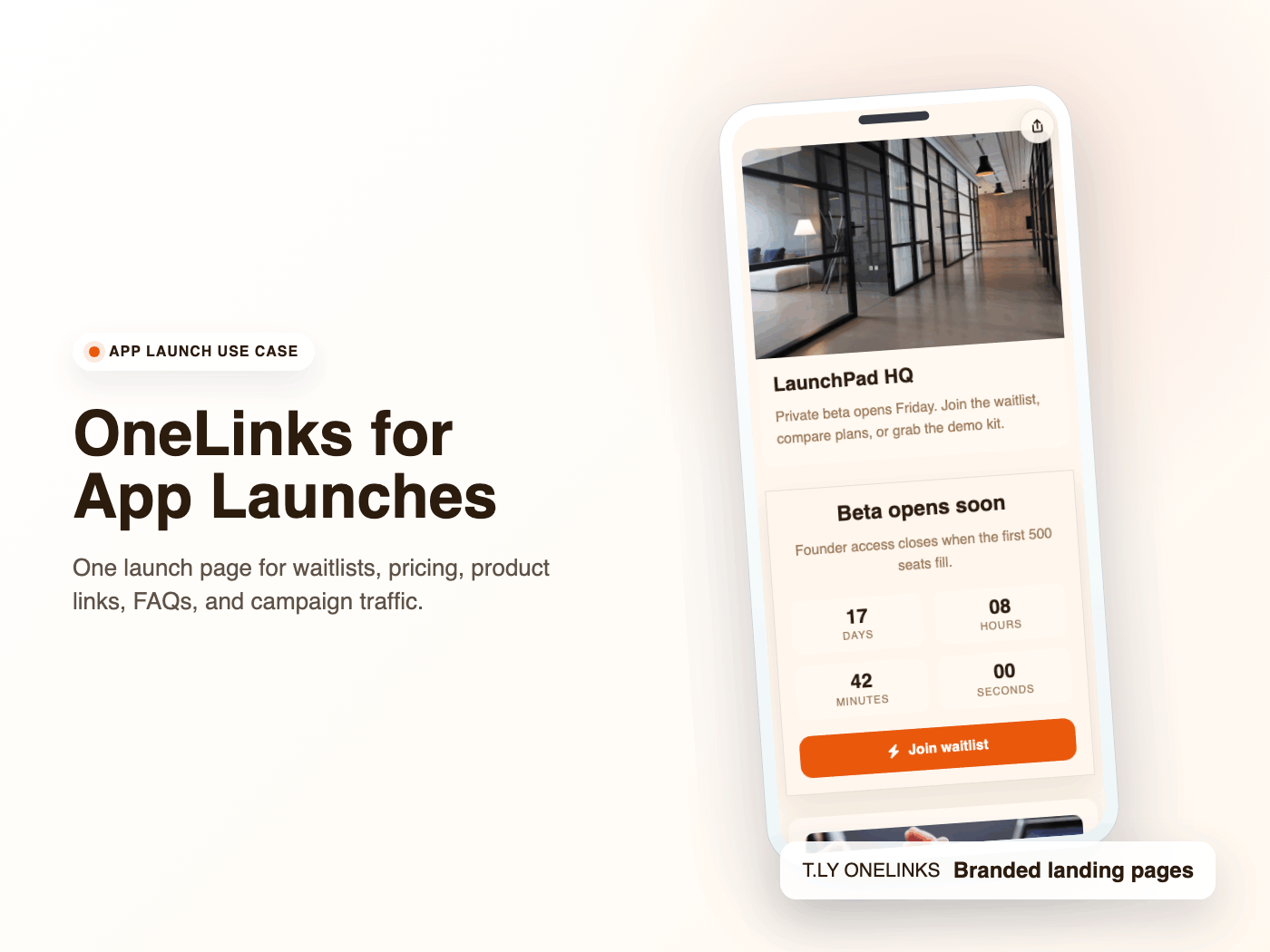
OneLinks for App Launches and Waitlists
Launch apps with T.LY OneLinks using early-access CTAs, pricing sections, feature highlights, FAQs, and launch analytics.
App Launch Use CaseKeep attendees, speakers, sponsors, and guests on the same page before and during the event. T.LY OneLinks give event teams a simple mobile hub for tickets, agendas, venue details, maps, FAQs, and last-minute updates.
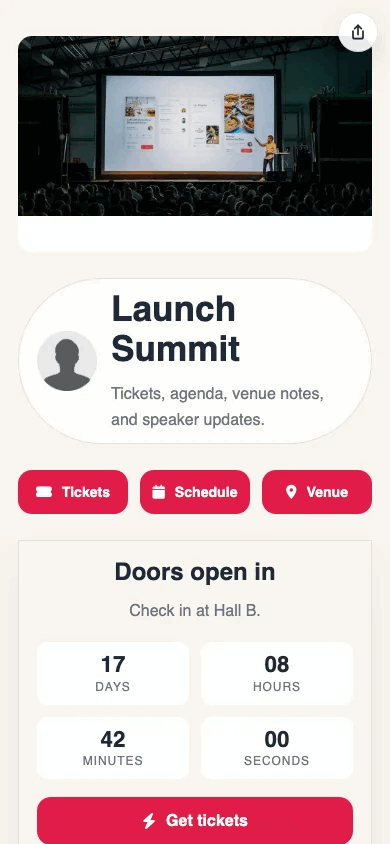
See how T.LY turns one short branded URL into a more useful landing page for the job at hand.
Keep registration, schedule, venue map, parking, speaker links, and FAQs together so attendees are not hunting across several pages.
Update session links, venue notes, timing, sponsor CTAs, or parking instructions without changing the main link you already shared.
OneLinks are built for mobile-first scanning and tapping, which makes them a better fit than bulky desktop pages for day-of logistics.
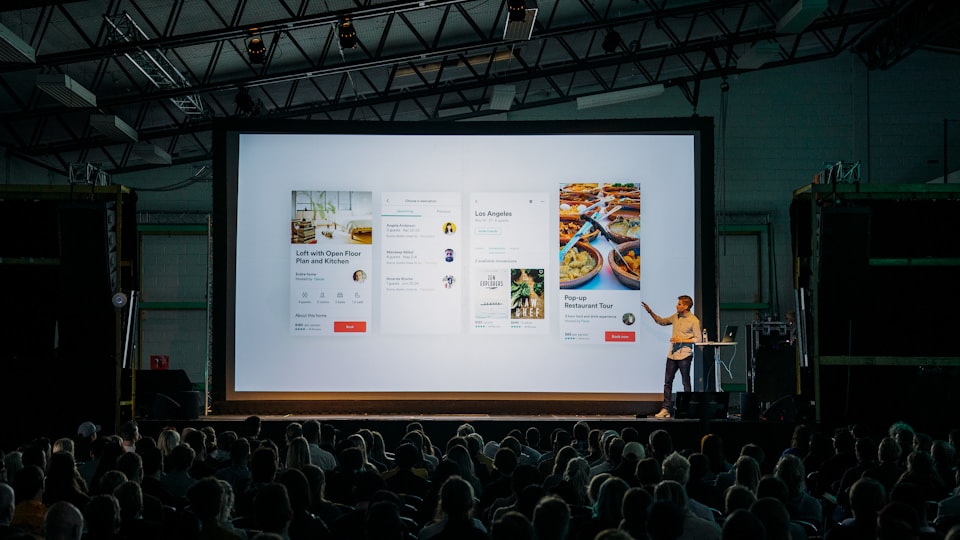
These are the platform choices that matter after the page is live and being shared across channels.
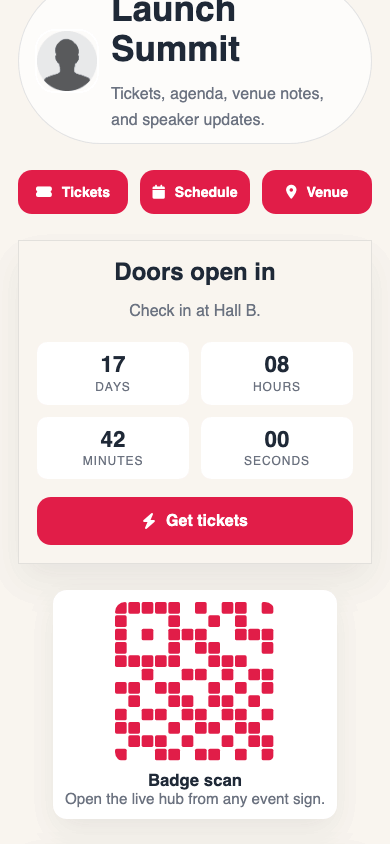
Most event pages should include the main CTA first, then essentials like schedule, venue info, directions, FAQs, speaker links, or sponsor resources.
Yes. The OneLink itself stays the same, so you can update the page contents later without replacing the QR or printed materials.
Yes. OneLinks are designed for mobile-first use, which makes them a strong fit for event traffic coming from phones and QR scans.
Yes. OneLink pages work well in social bios, email reminders, and QR placements across printed event materials.
Keep going with adjacent OneLink setups that solve a similar distribution problem in a different channel.
Launch apps with T.LY OneLinks using early-access CTAs, pricing sections, feature highlights, FAQs, and launch analytics.
App Launch Use Case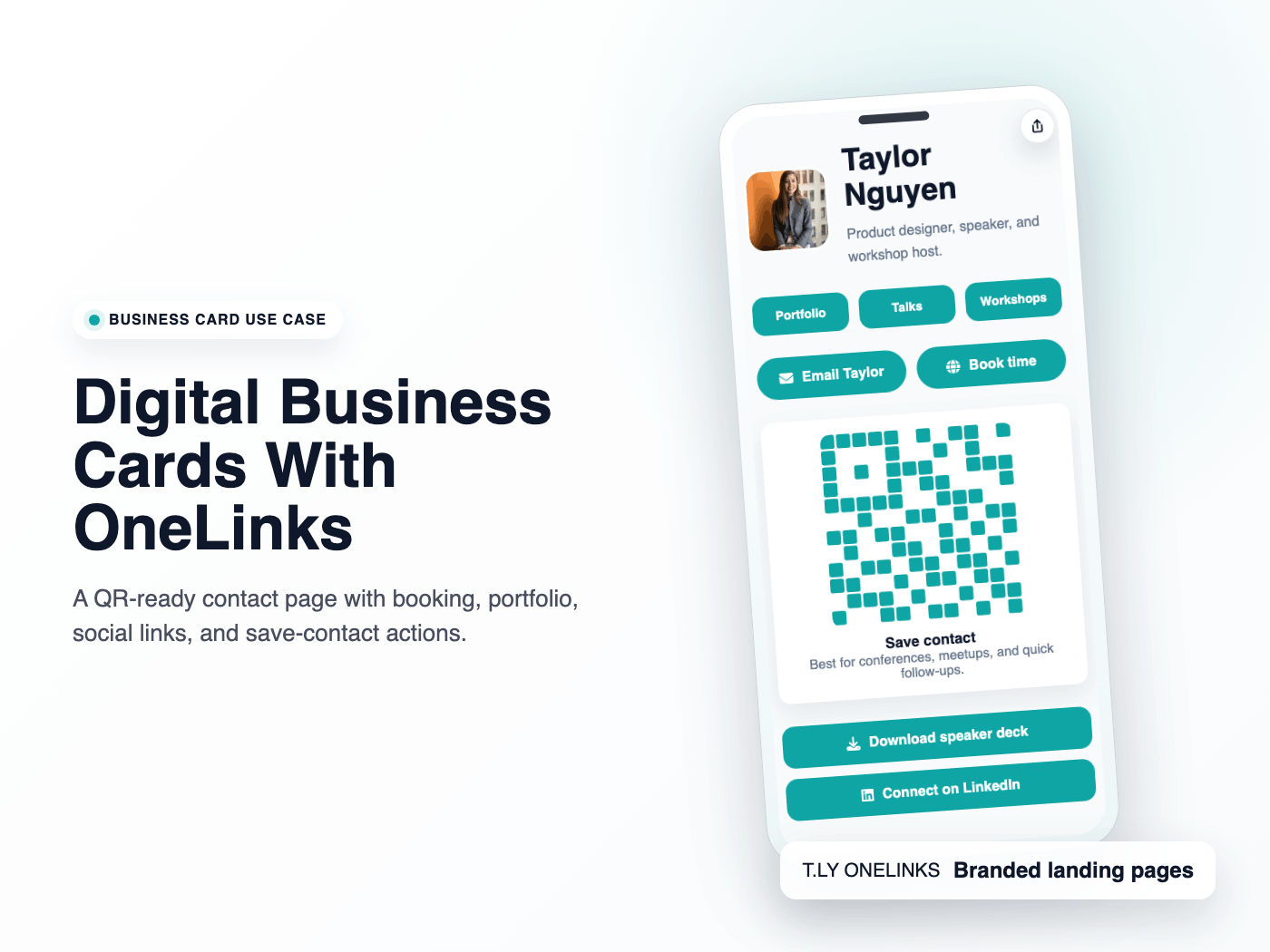
Use T.LY OneLinks as digital business cards with QR sharing, contact actions, booking links, social profiles, and branded short URLs.
Business Cards Use Case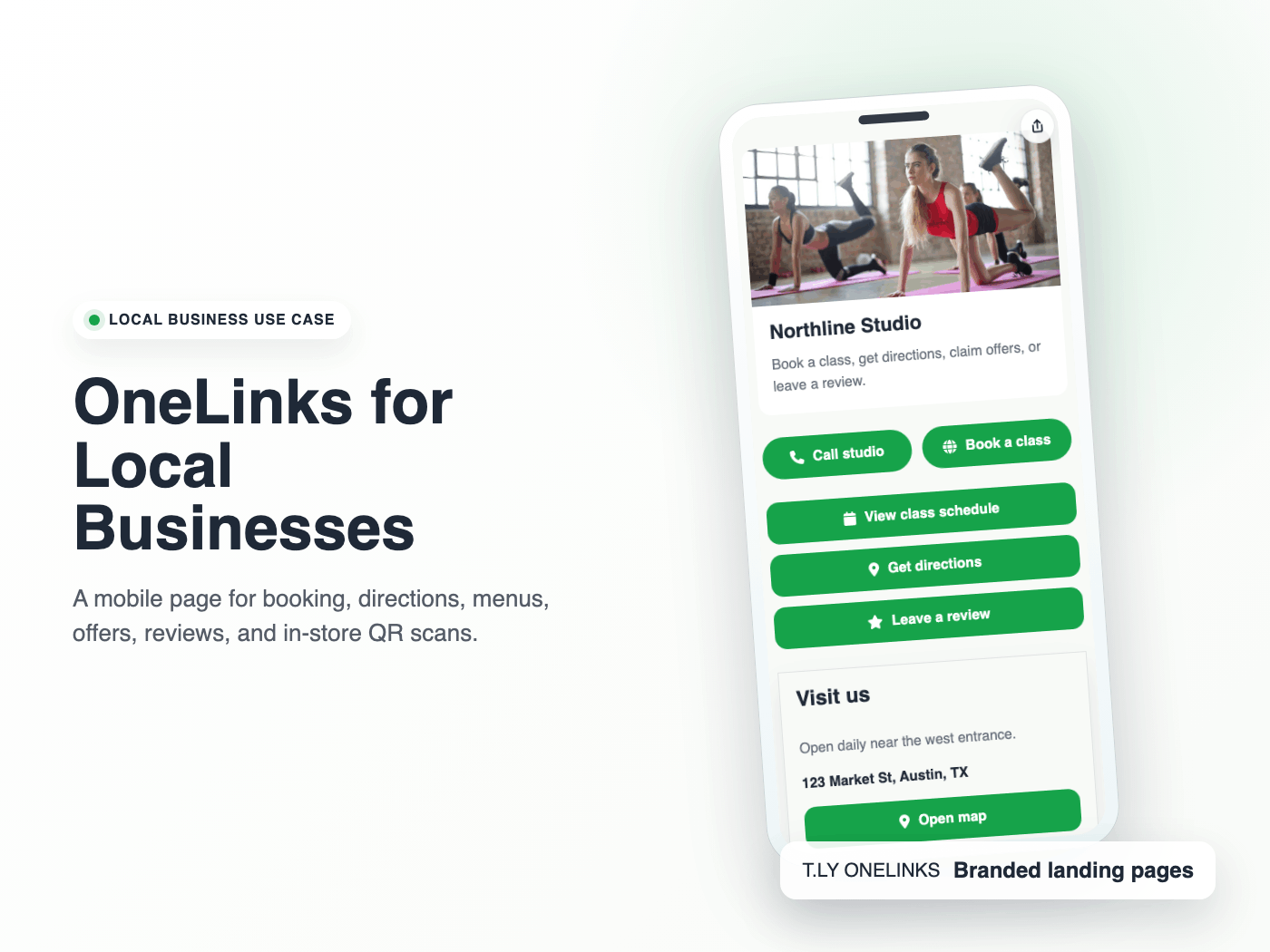
Create a local business landing page with T.LY OneLinks for hours, maps, booking, menus, offers, reviews, and QR sharing.
Local Businesses Use CaseLaunch a OneLink that stays flexible after you publish it, then keep sharing the same branded URL everywhere.
 Browser Extension